Image to Image AI Generator
Change any photo with one sentence. This image to image AI generator runs on Google's Nano Banana 2.1 and Pro.
No subscription. $11.90 for 20 credits or $32.90 for 70. Unused packs refunded within 7 days.
Your photo
Size
about 1 megapixel · 1 credit
 Before
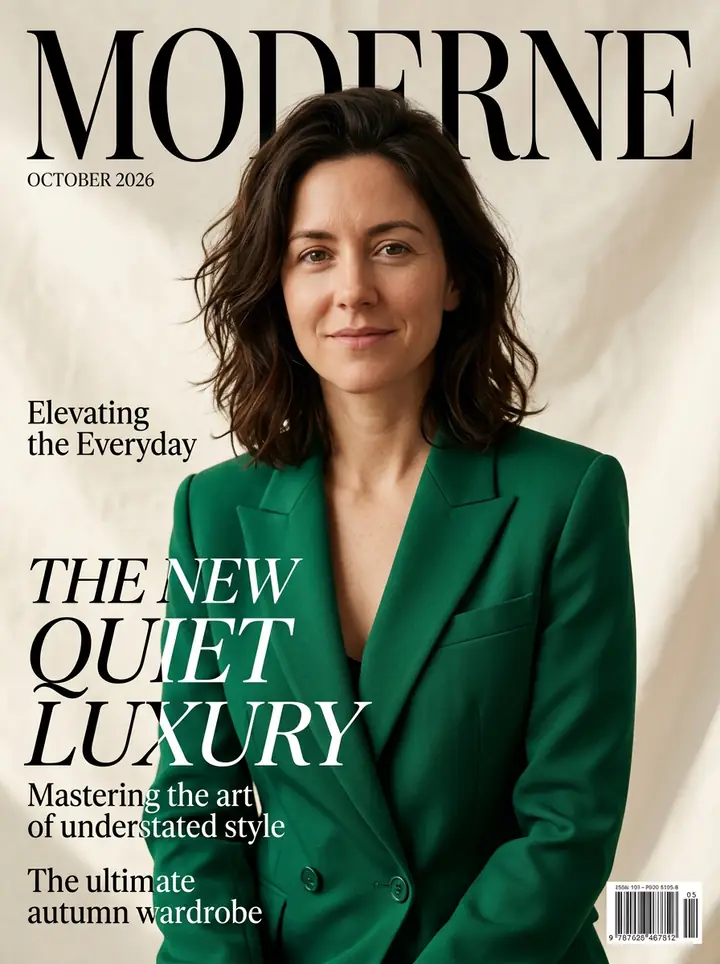
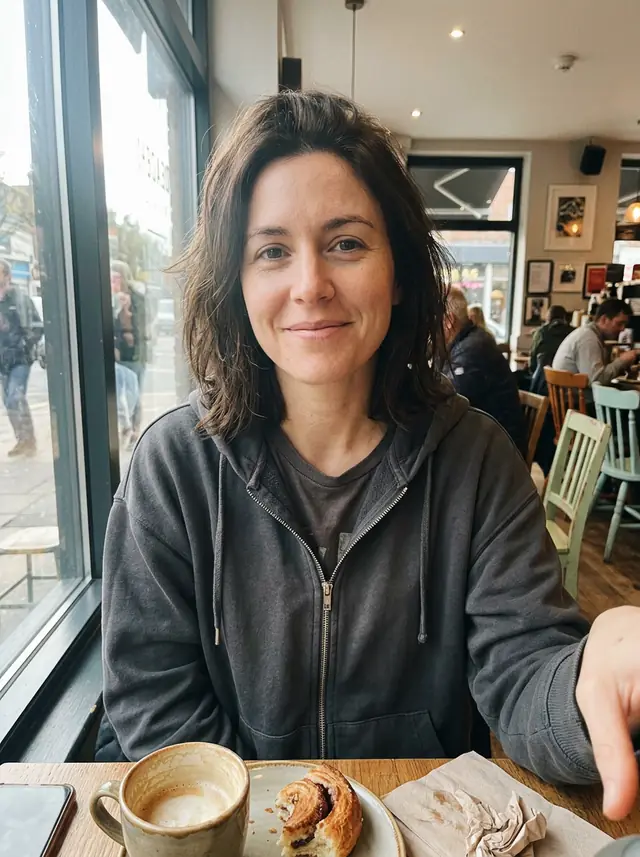
Made by GetStepSnap with Nano Banana 2.1: a casual selfie in, a magazine cover out.
Your own image will show up here.
Image to image, before and after
Real results from our guides, the first try each, with exactly what we typed. The starting photos were made with the model too.
After 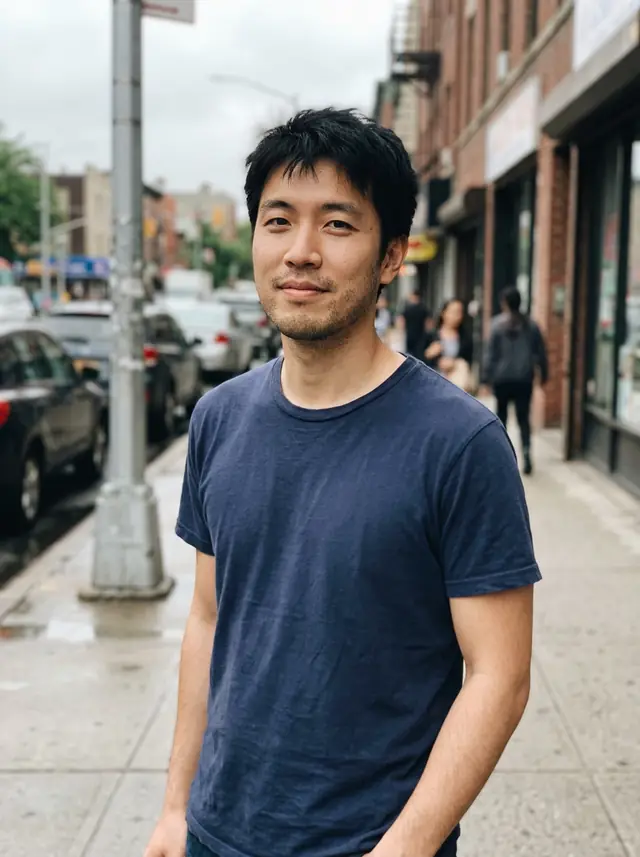 Before
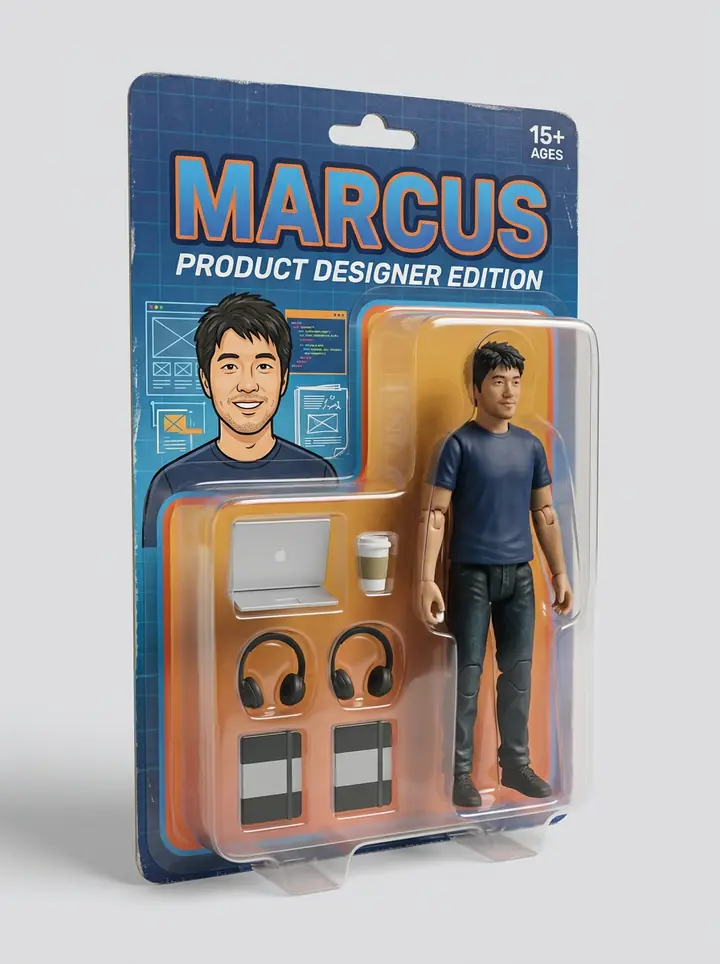
An action figure in a blister pack
Made by GetStepSnap with Nano Banana 2.1
What we typed
"Make an action figure of the man in this photo, sealed in a clear plastic blister pack on a cardboard backing card, like a toy on a store shelf. Keep his face, hair and skin tone the same, in toy form. At the top of the card, the name MARCUS in bold letters, with the line "Product Designer Edition" underneath. Next to the figure, each in its own plastic slot: a laptop, a coffee cup, wireless headphones and a sketchbook. Studio product photo, soft light, plain background."
More in AI action figure generator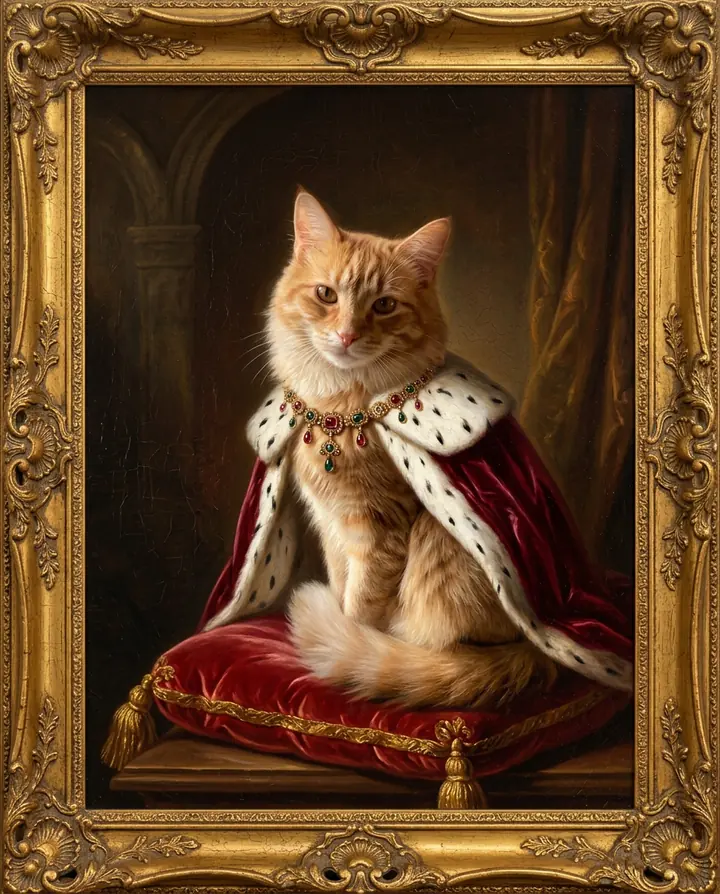
After 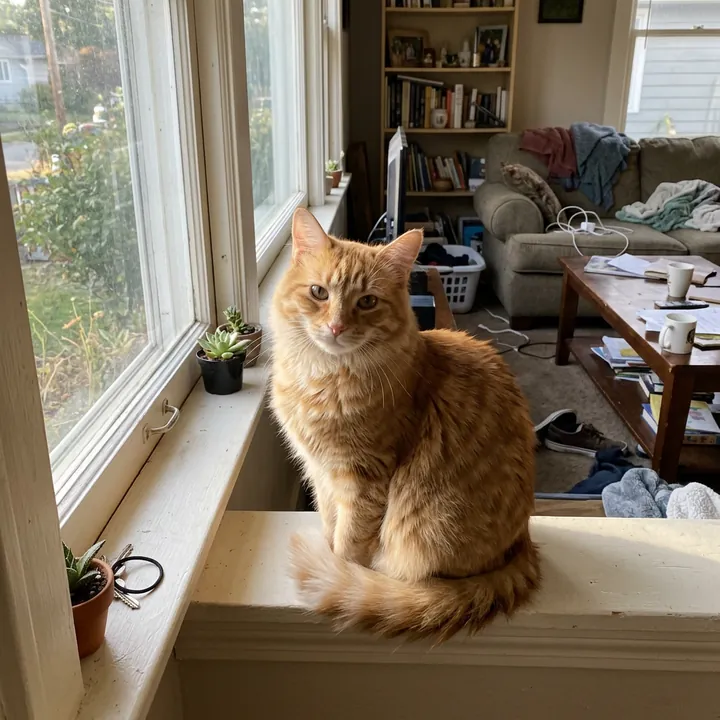 Before
Royal portrait in a gold frame
Made by GetStepSnap with Nano Banana 2.1
What we typed
"Use the cat in this photo and keep it looking exactly like this cat. A royal oil painting portrait of this cat in the style of an 18th-century court portrait: it sits upright on a red velvet cushion with gold tassels, wearing a deep crimson velvet cape with a white ermine collar and a jeweled gold necklace. Dark, warm background, soft window light from the left, visible brushstrokes and fine cracks in the old varnish, in an ornate carved gold frame."
More in AI pet portraits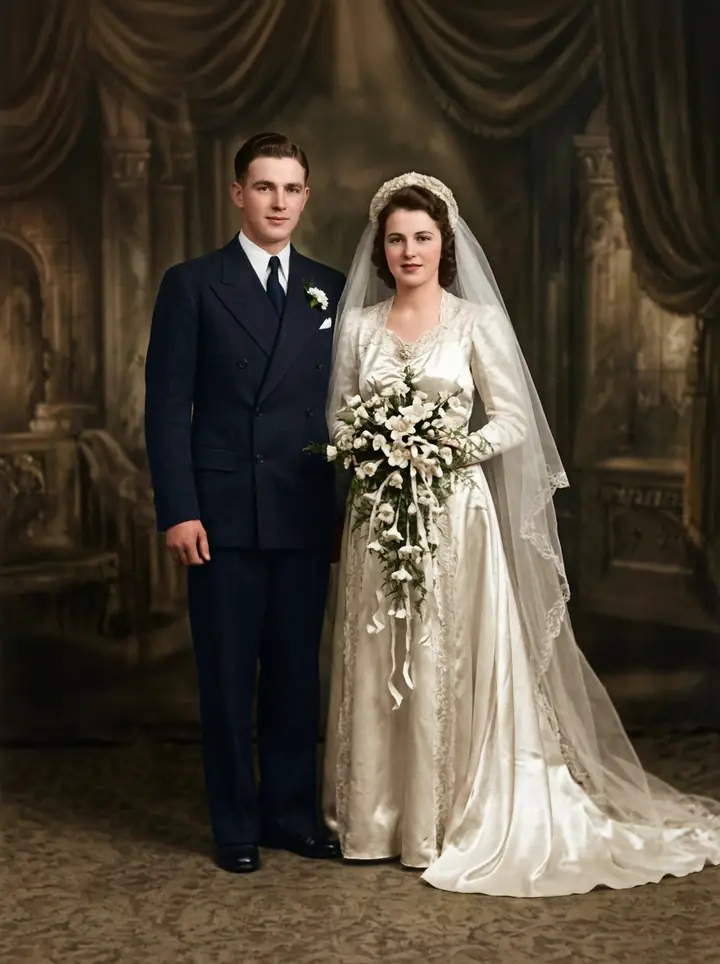
After 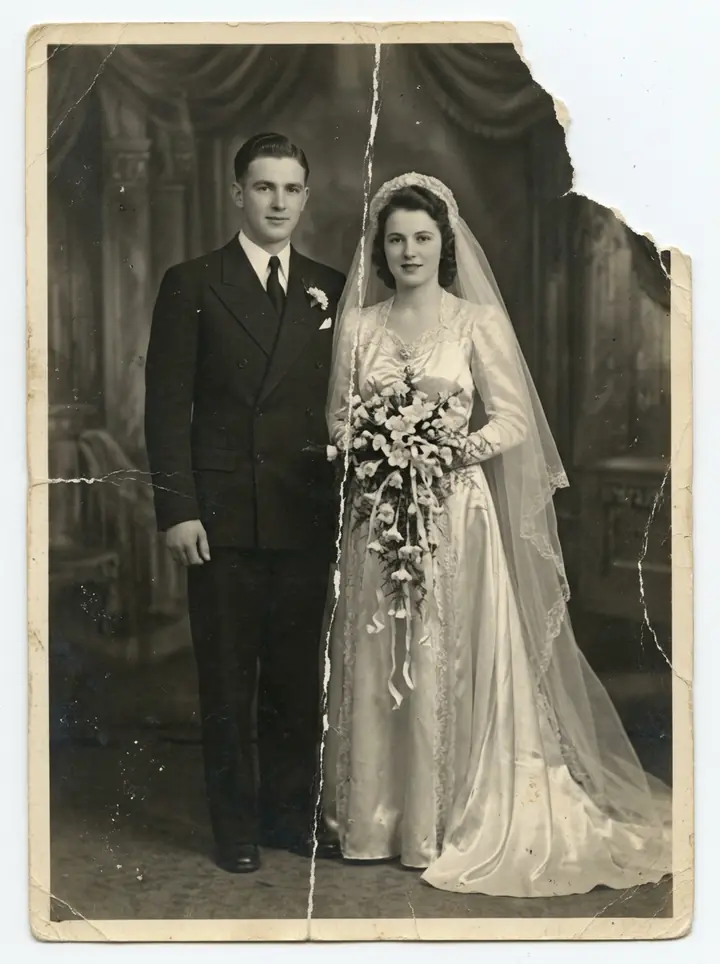 Before
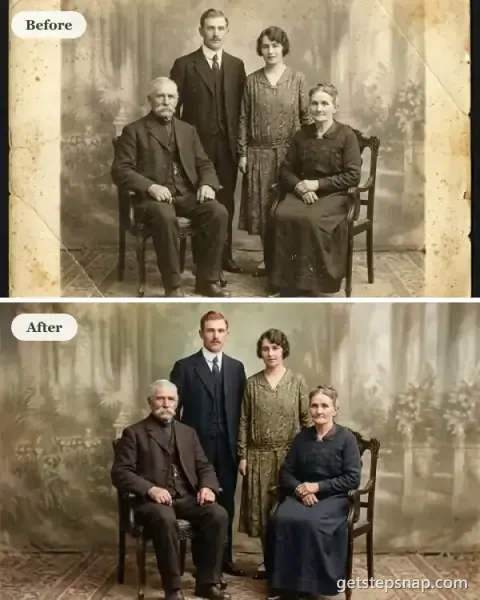
A torn wedding portrait
Made by GetStepSnap with Nano Banana 2.1
What we typed
"Restore this old photo: remove the scratches, creases, spots and tears, bring back the detail in the faces and clothes, and colorize it naturally. Keep the people, their poses and the composition exactly the same."
More in Restore old photos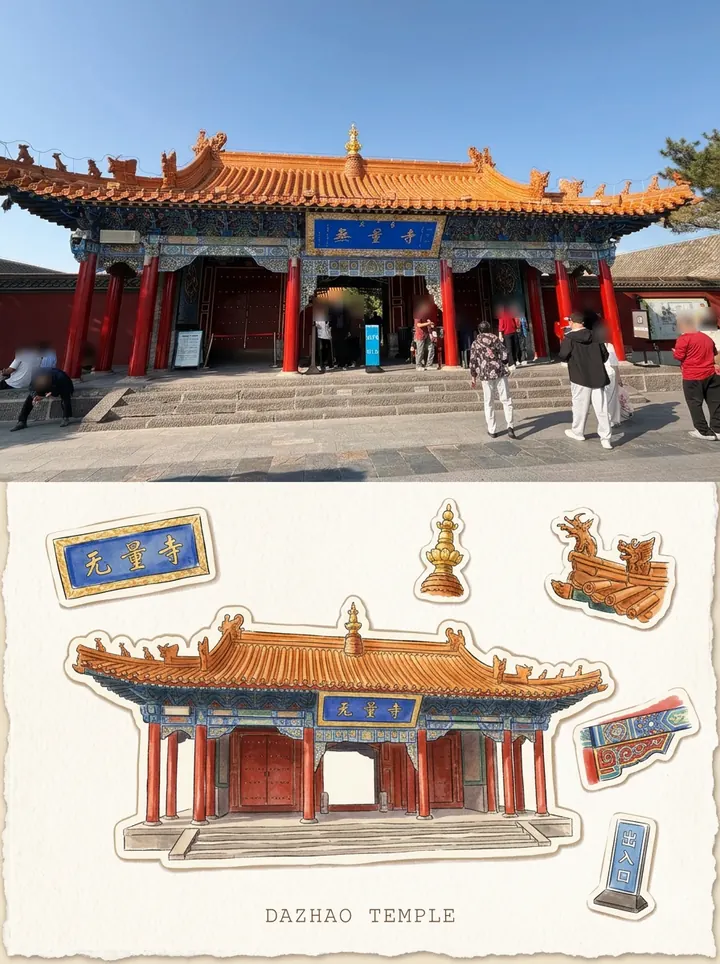
After 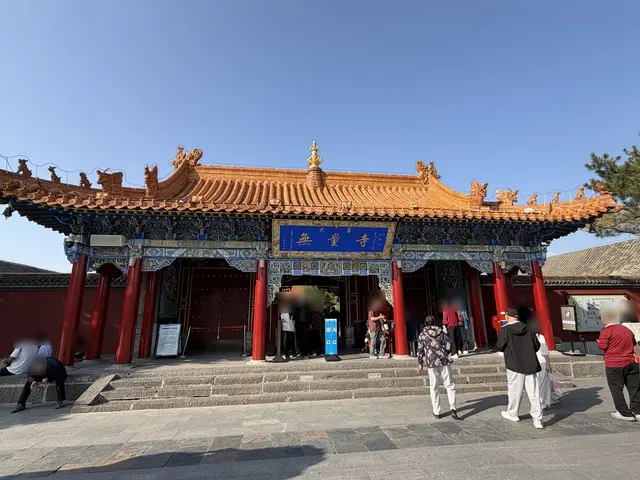 Before
Dazhao Temple, from our own trip
Made by GetStepSnap with Nano Banana 2.1
What we typed
"Make a 3:4 travel memory poster from this photo, split across the middle: the real photo on top, a hand-drawn sticker page below. Top half: the original photo, true to its subject, structure, proportions, viewpoint, light and mood, with a light color grade. Crop to fit; never stretch or change the subject or add objects. Bottom half, on clean warm off-white paper: one main illustration and five detail stickers. The main illustration redraws the most recognizable subject as a small hand-drawn travel drawing, keeping its outline and character, without clutter or passers-by. Each sticker shows a different detail from the same photo, such as a pattern, a door, the eaves, a plant or an object, never a smaller copy of the main drawing. Every detail must be in the photo; use fewer stickers if needed. Style: refined travel-journal art in light watercolor, soft gouache and a little colored pencil: simple color shapes, fine detail where it matters, paper grain, hand-drawn edges; no photo filter, dense line work, vector or cartoon look. Each piece has a narrow cream die-cut border following its outline, like a sticker cut from thick paper, with a soft shadow; no thick borders, shine or 3D. The main drawing anchors the page; the stickers sit around it, loose and asymmetric, never in a grid, in varied sizes with room to breathe. Use 2 to 4 colors from the photo throughout. Text: one short line in a light serif or typewriter font. Place name: Dazhao Temple."
More in AI sticker maker
Tools
New models get a tool here as they come out. Waiting for Nano Banana 3 or GPT Image 3? Neither is out yet.
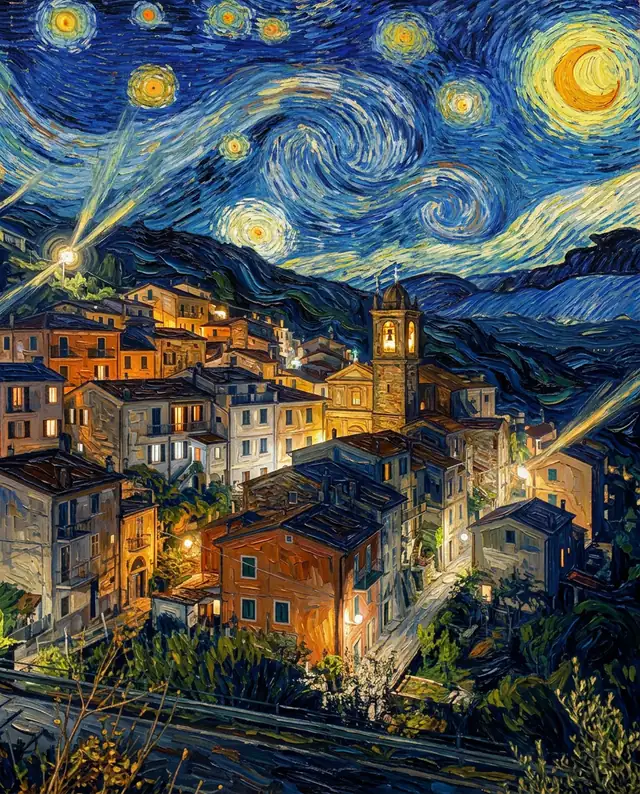
AI Image Generator & Editor
Nano Banana 2.1
Google's newest image model, out since October 6, 2026. Make a picture from one sentence, or upload a photo and say what to change.
- Edit your own photos
- Clean, readable text in images
- Up to 4K
- 1 credit at 1K, 2 at 2K
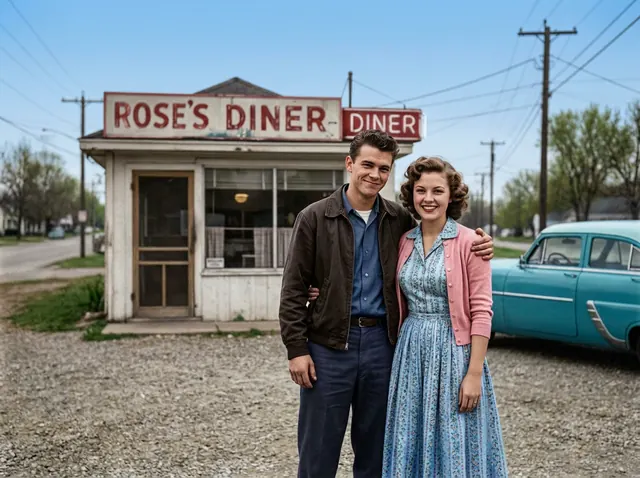
Premium AI Image Generator & Editor
Nano Banana Pro
Google's premium image model, for close-up portraits where every detail counts. Tested side by side with 2.1 on the same 8 prompts.
- The most detailed portraits
- Edit your own photos
- Up to 4K
- 3 credits at 1K or 2K
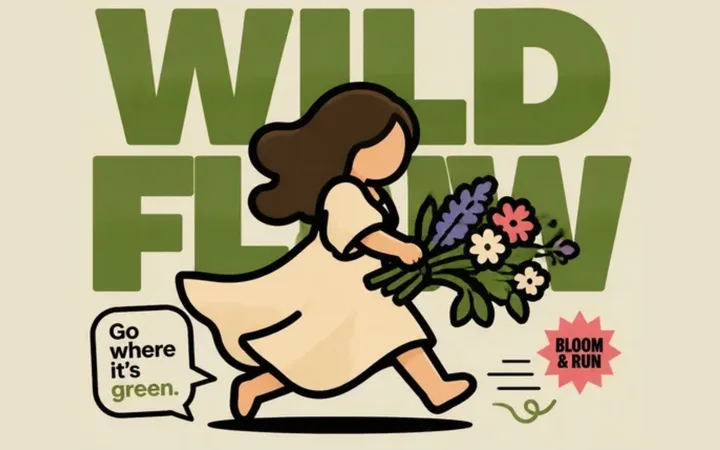 Made in ChatGPT
AI Poster & Design Generator
GPT Image 2
OpenAI's image model, for posters and designs with lots of words. Tested on two poster prompts next to ChatGPT.
- Posters with clean words
- Edit your own photos
- Medium quality, about 1 MP
- 2 credits an image
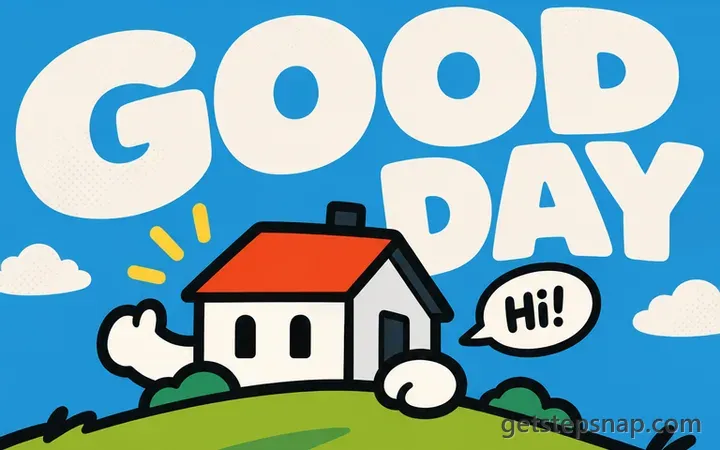
Fast AI Image Generator & Editor
GPT Image 2.5 Flare
OpenAI's newest image model, out since September 8, 2026. Flare, the fast version: our test poster took 18 seconds.
- Faster than GPT Image 2 in our test
- Edit your own photos
- Medium quality, about 1 MP
- 2 credits an image
Text to Image Generator
FLUX 3 Image
Black Forest Labs' newest image model, out since October 1, 2026. Type a sentence and get a picture; it takes no photos.
- Images from a sentence
- No photo uploads
- 1K or 2K
- 2 credits at 1K, 4 at 2K
AI Video Generator
Kling 4.0
We add new AI models as they come out. The credits you buy work on every tool, including the new ones.
What we know so farNew on GetStepSnap
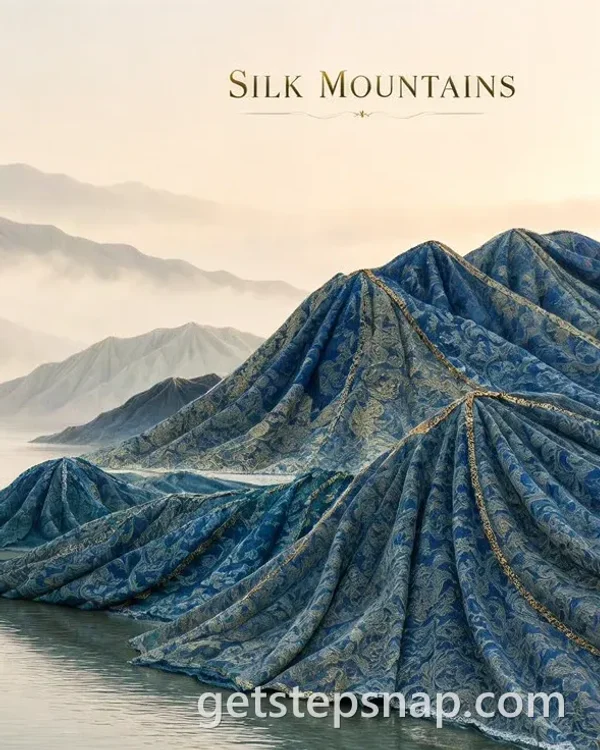
 Oct 21AI lettering generatorType a word, a name or a short quote and get it lettered in brush script, neon, a retro painted sign or chalk.
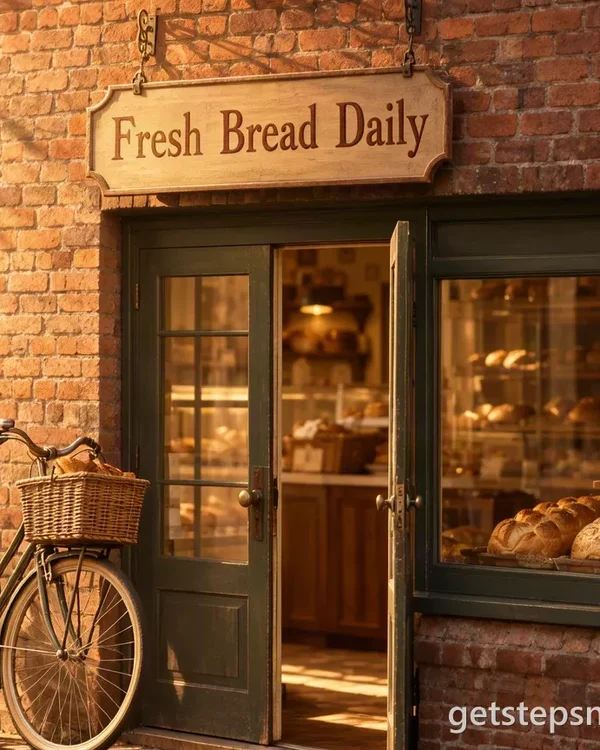 Oct 21AI sign generatorType what the sign says: a shop sign, a wedding welcome sign, a yard sign or a flat sign to print.
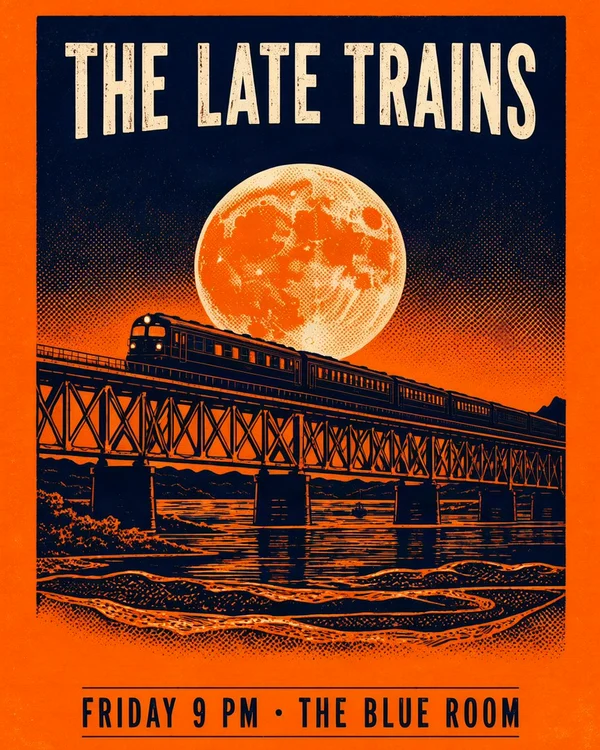
 Oct 21MOSS Image promptsPrompts for posters, signs, notes and menus, and a JSON layout. Four shown with what they made.
 Oct 21MOSS ImageThe new open-source model for words in pictures: posters, signs, notes and menus from a prompt. 1 credit an image.
 Oct 20FLUX 3 KleinBlack Forest Labs' open-weights FLUX 3 in your browser: upload a photo and say what to change. 1 credit an edit.
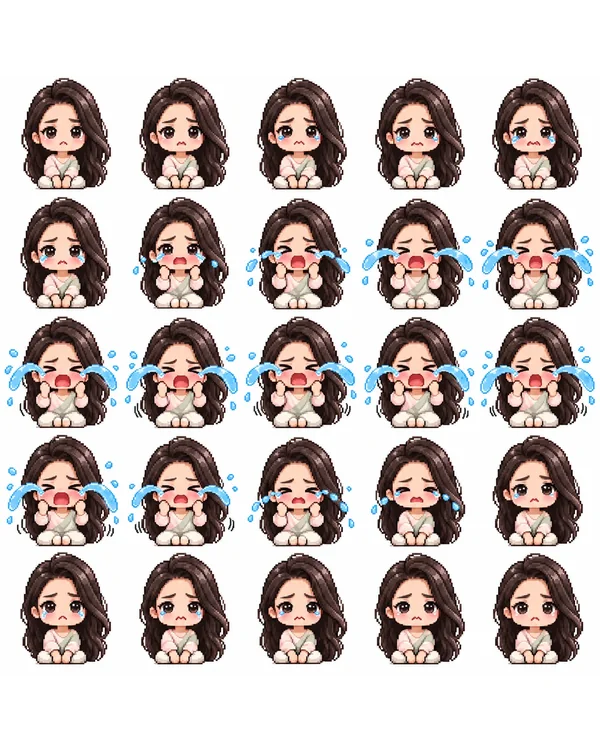 Oct 20AI sprite sheet generatorYour photo or character drawing as a pixel-art sprite sheet: idle, walk cycle, run, attack, 8 directions and more.
Image to image ideas, with the prompts
Real results with the exact prompts. Open one and try it on your own photo.
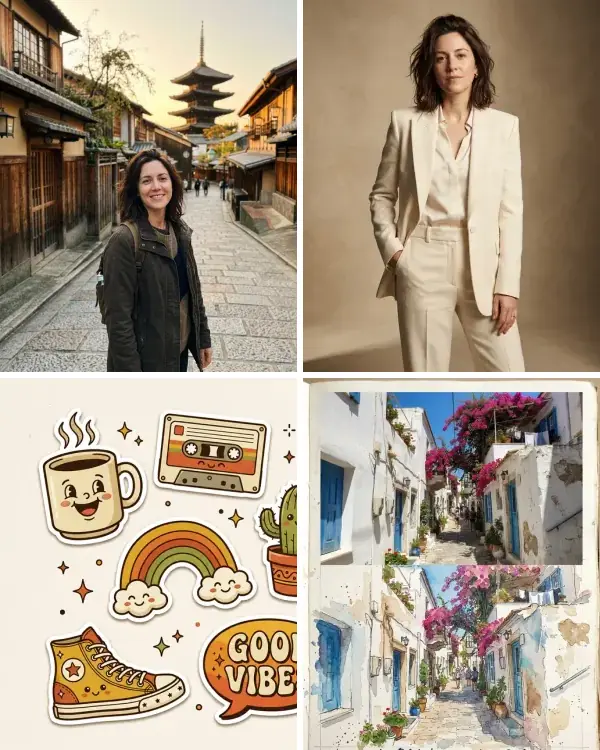 Nano Banana prompts30 prompts we tested, with every result and a one-click try.
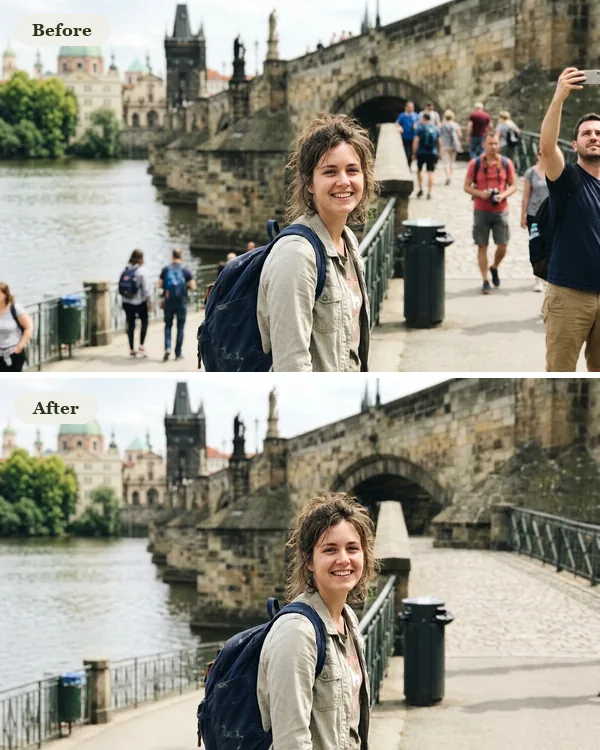 Remove person from photoName who should go, from tourists to a photobomber, and the background comes back.
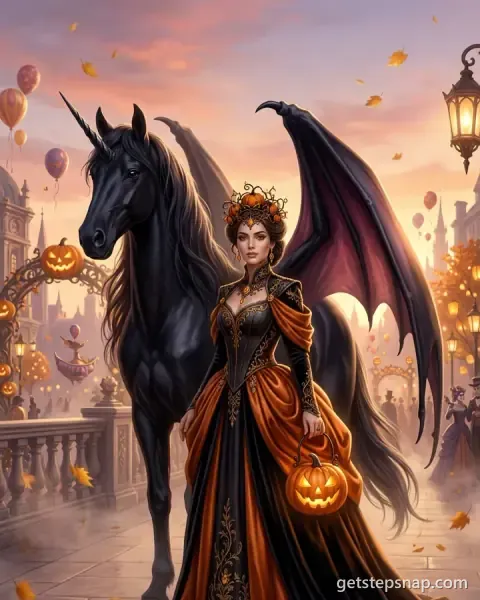
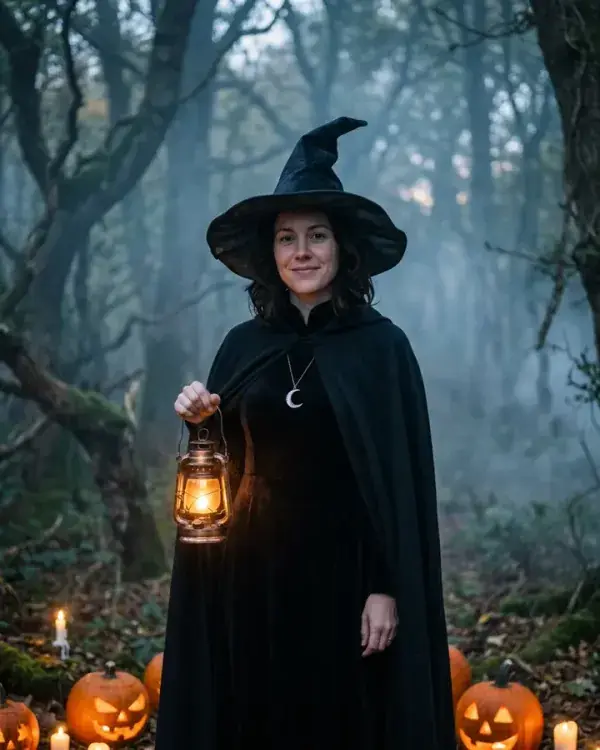 AI Halloween costume from your photoA witch, a vampire, skeleton face paint and costumed pets, with the prompts.
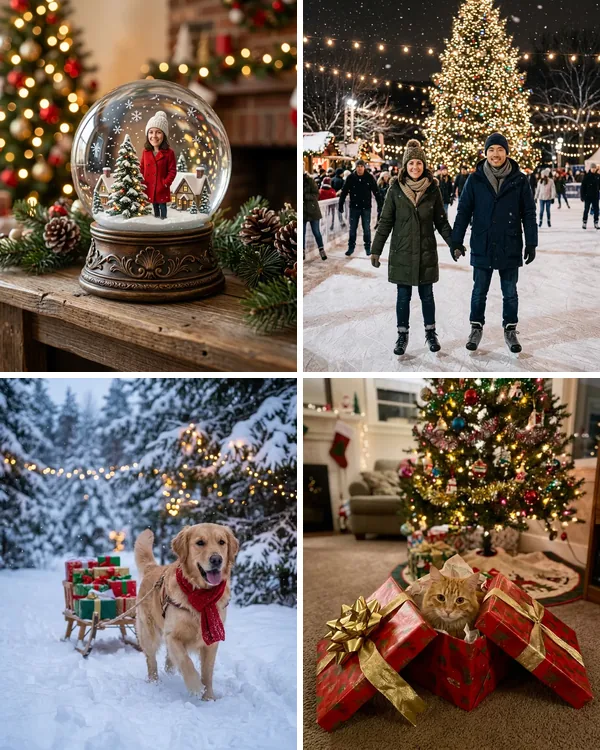 AI Christmas photoChristmas photos with the prompts: a snow globe, a frosty cabin window, a dog with a sleigh, a cat in a gift box and more.
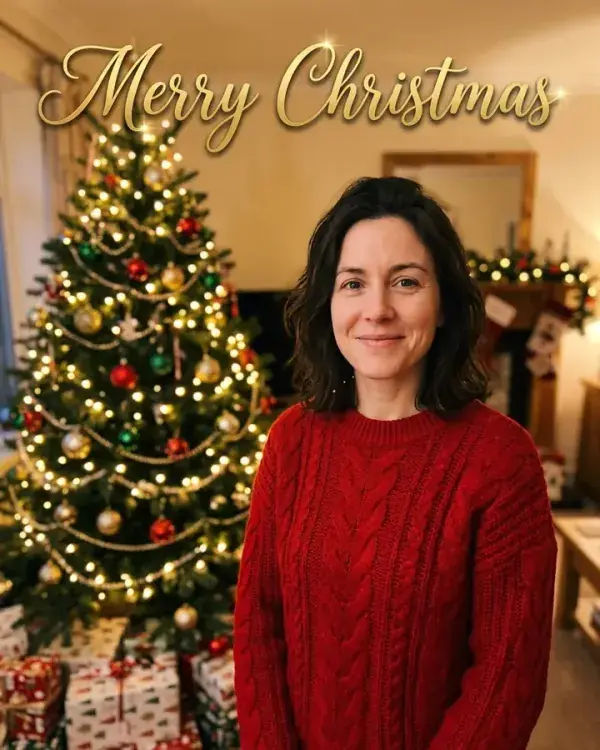 AI Christmas card from your photoChristmas cards with your greeting, from a selfie, a cat or a dog.
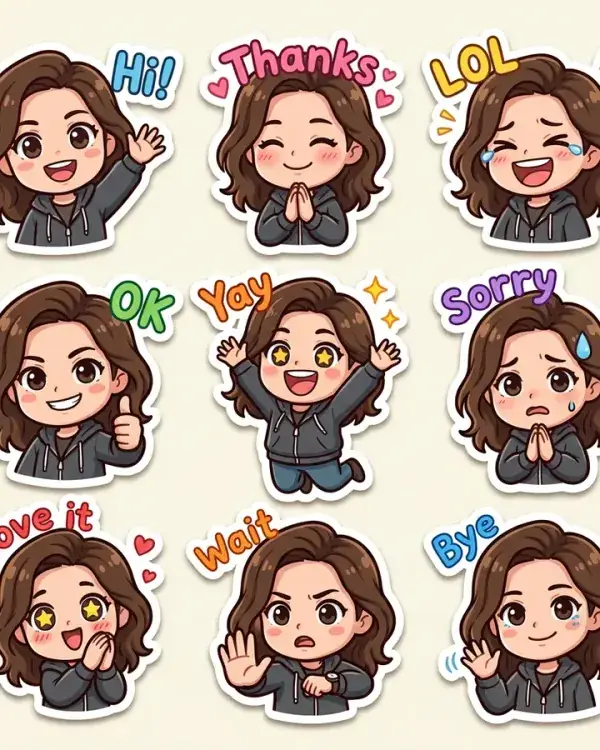 AI sticker makerPet stickers, chibi chat packs and travel sticker pages, with the prompts.
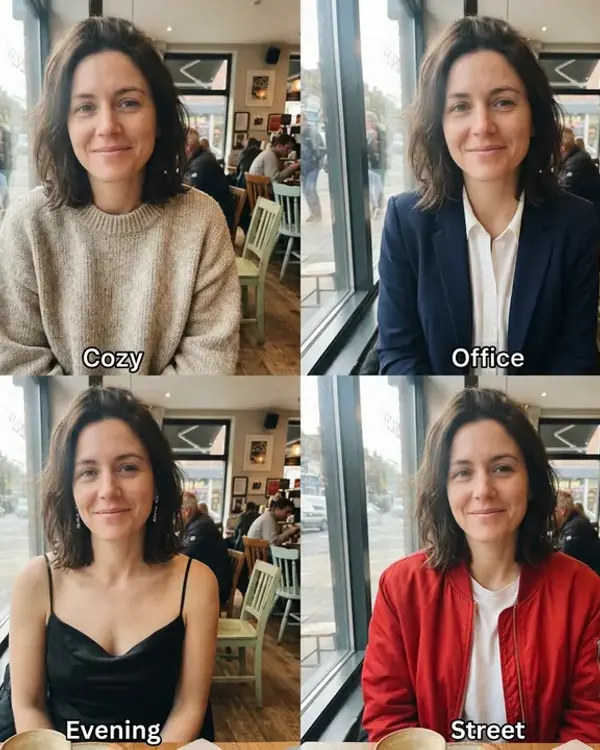 AI outfit changerWear a dress or jacket from a product photo, or compare four outfits in one picture.
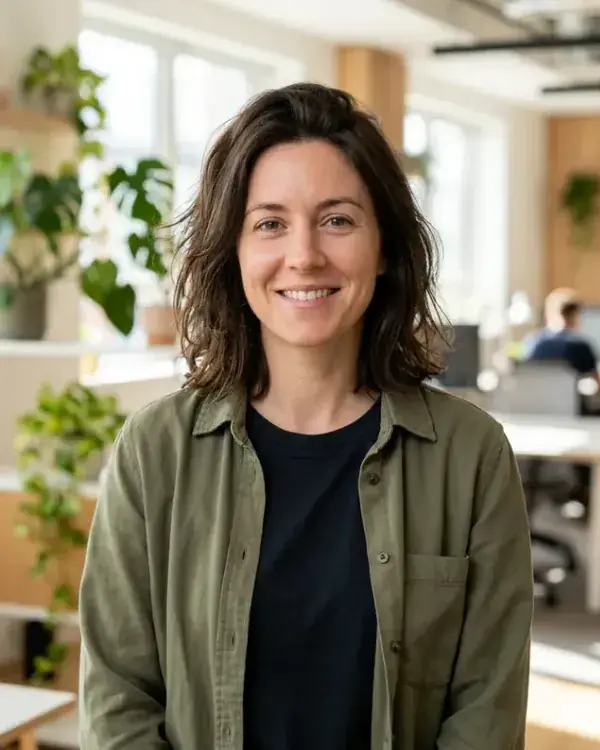 AI LinkedIn photoEight headshot looks from one selfie, with the prompts and what they cost.
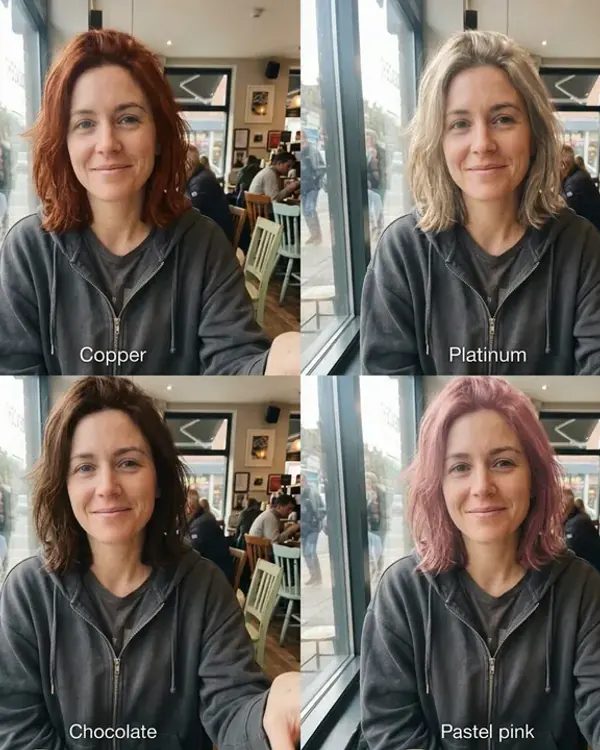 Try on hairstylesFour haircuts or four colors on your own face in one picture, for women and men.
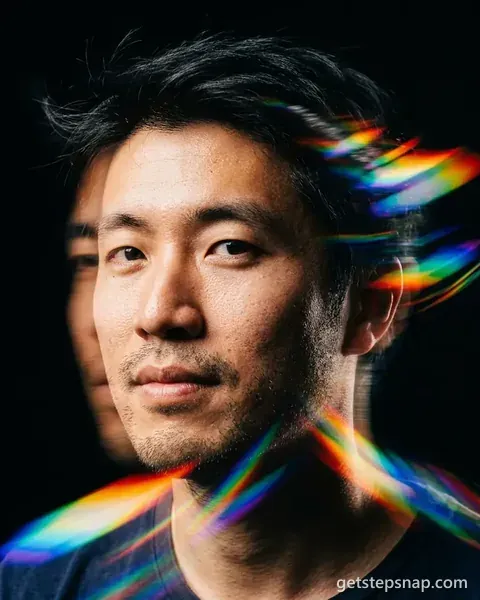
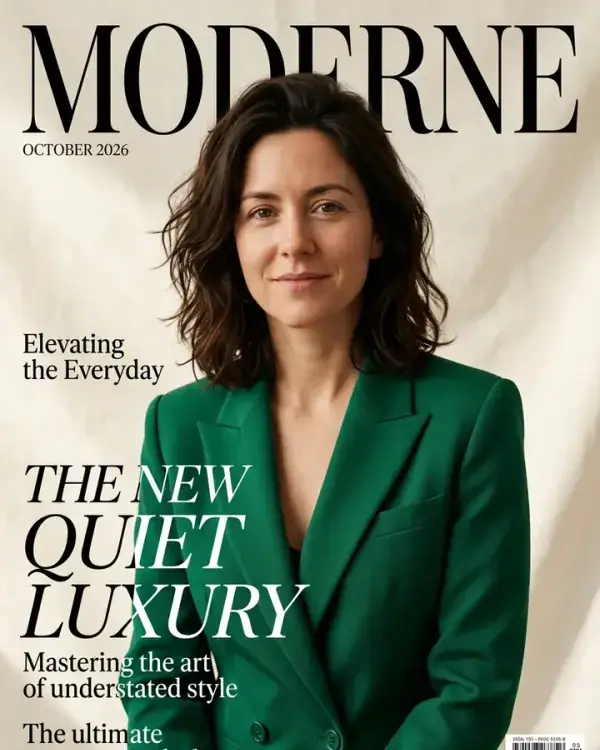 AI photoshoot from one selfie16 portrait prompts for women and men: covers, editorials, film and art looks.
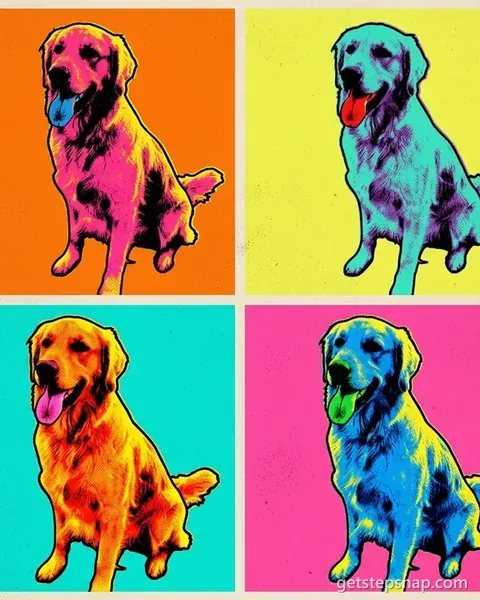
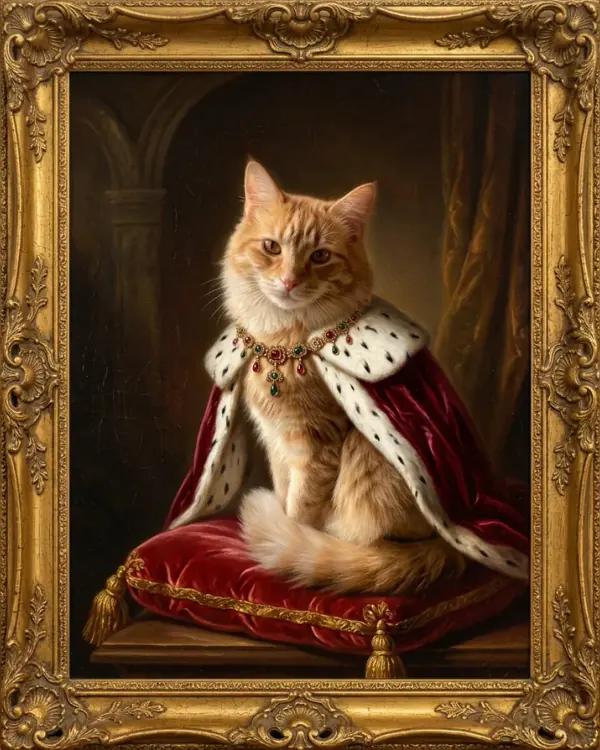 AI pet portrait from a photoYour cat or dog as a royal oil painting, a general, a watercolor, pop art and more.
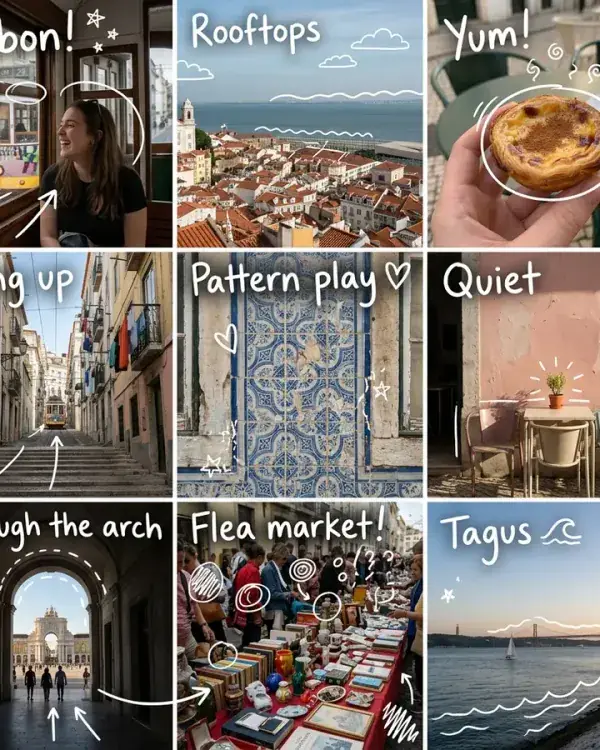 AI collage makerOne prompt for a 3x3 photo diary with white doodles, any subject or your own photo.
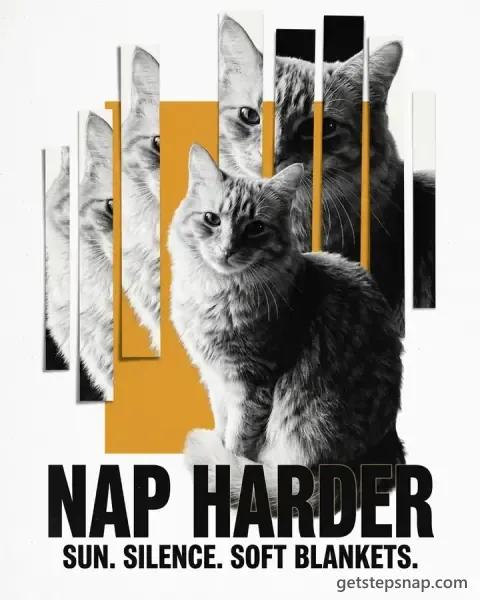
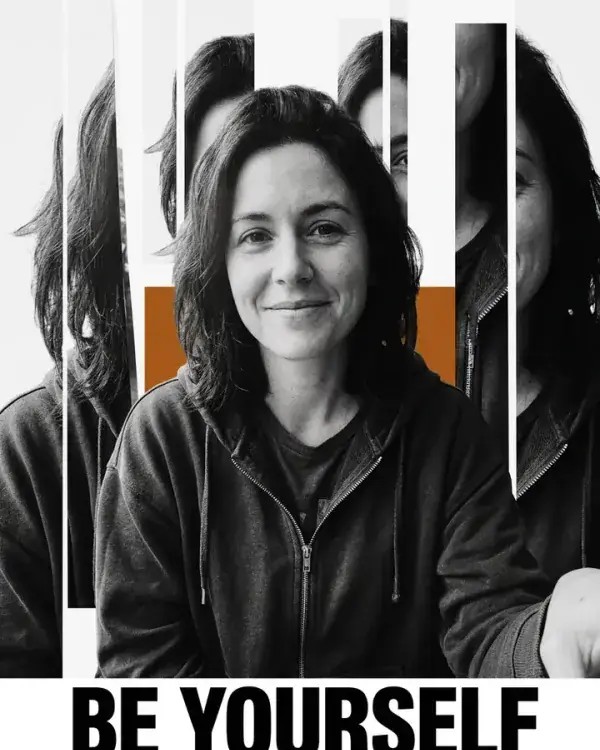 AI poster makerA bold black-and-white manifesto poster with your photo, a headline and one accent color.
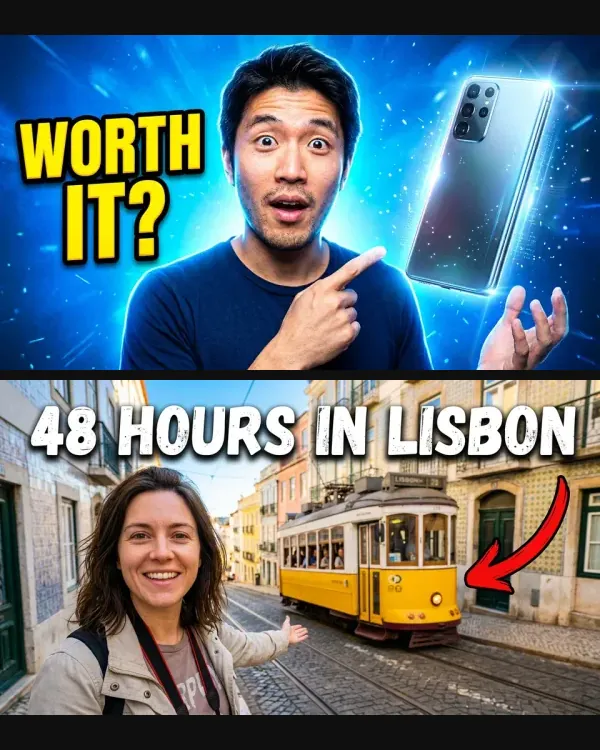 AI YouTube thumbnail generatorSix 16:9 thumbnails with a big reaction and big text, one made from text alone.
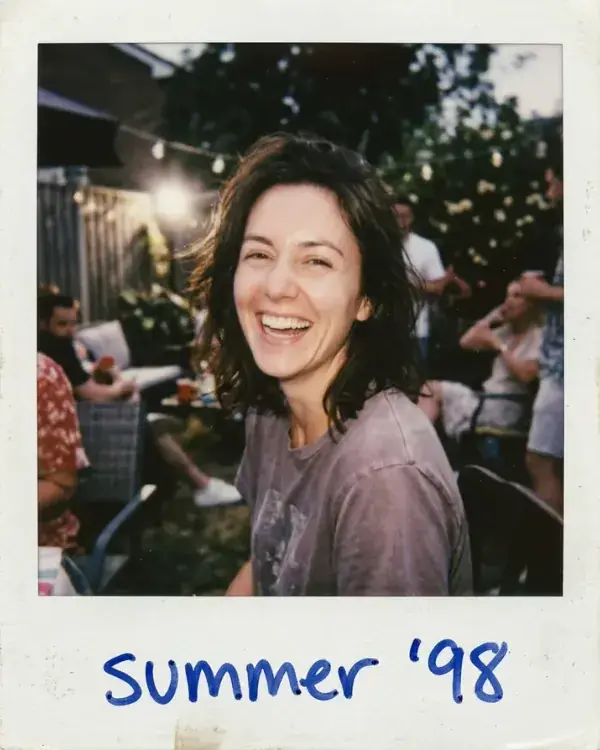 AI Polaroid and 90s film photosInstant photos with a caption, a disposable-camera shot and a photo booth strip.
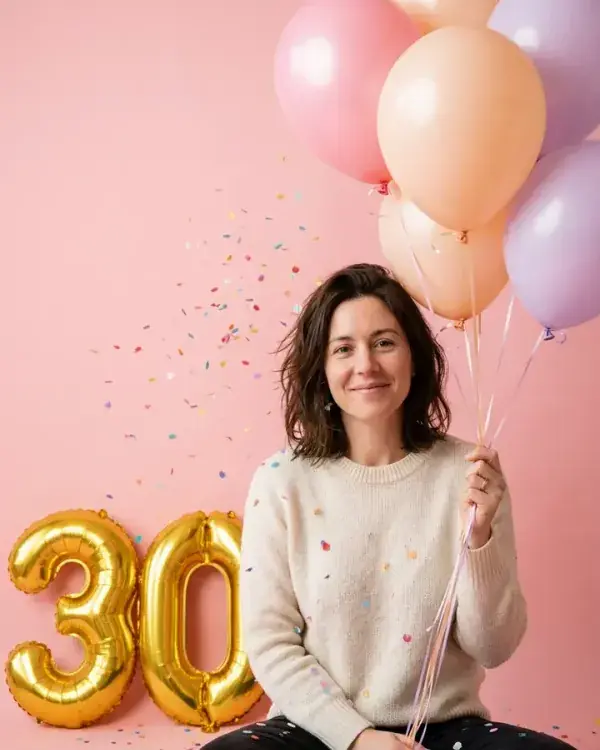 AI birthday cardNumber balloons, cake and candles, pets in party hats and a card with a name.
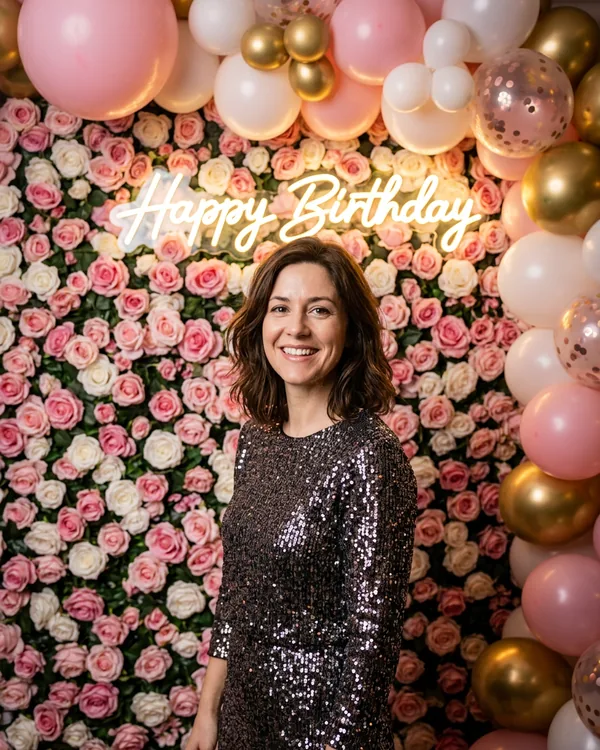 AI birthday photoA neon sign and roses, a balloon room, a 90s party or a rooftop sparkler, from one selfie.
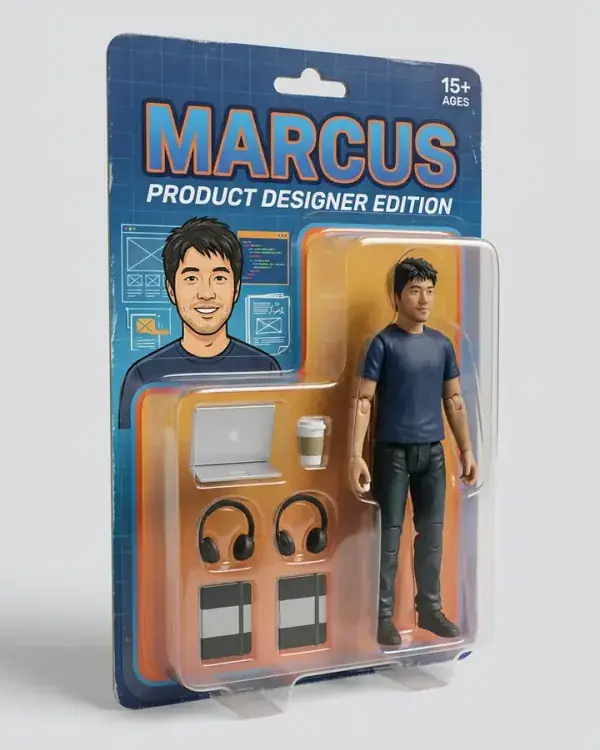 AI action figure generatorDesk figures, boxed action figures, vinyl toys and plushes from one photo.
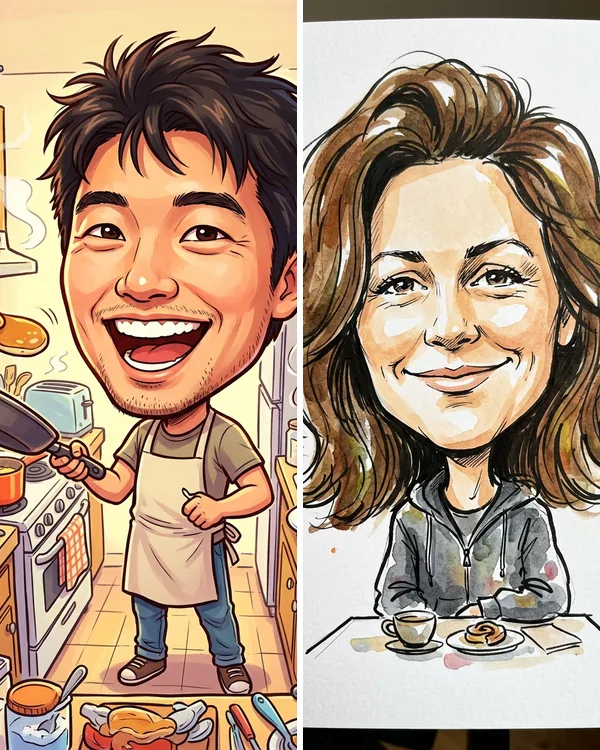 AI caricature generatorStreet artist marker, pencil, digital paint or 3D cartoon, your job or hobby, and your dog.
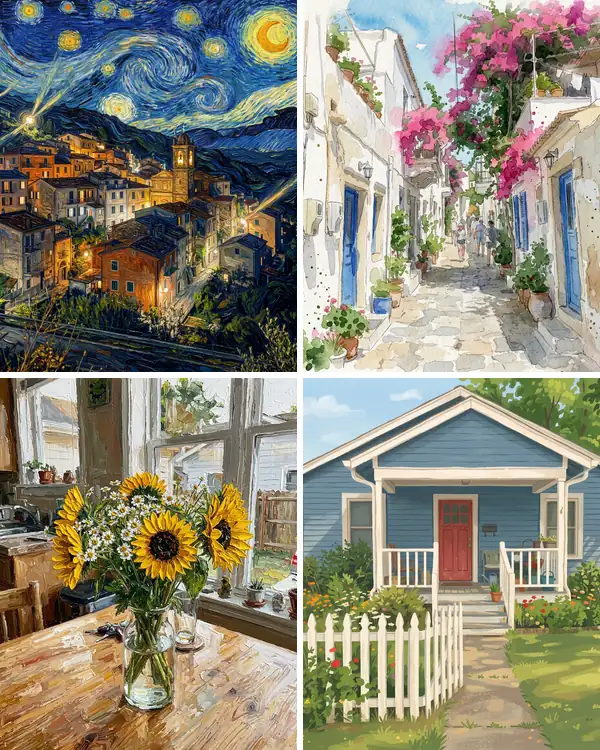 Turn photo into paintingOil, watercolor, impressionist, ink wash and gouache from an ordinary photo, with the prompts.
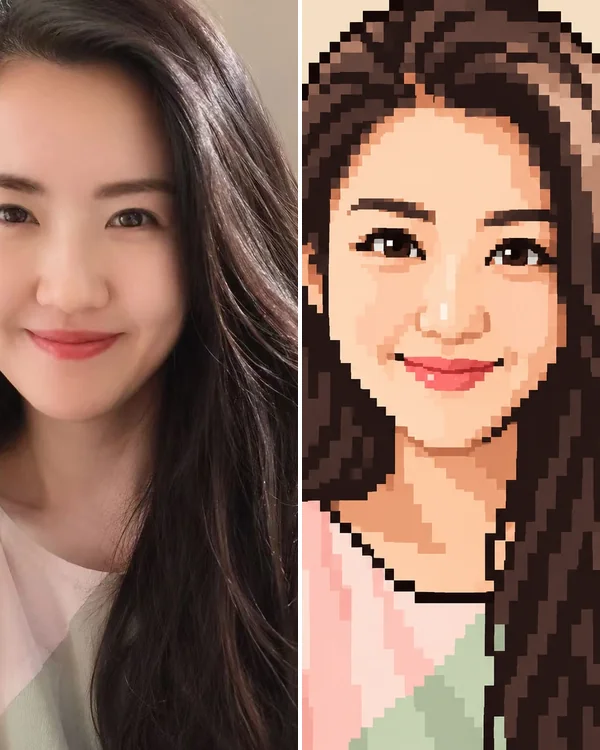 Photo to pixel artA 16-bit portrait, a pixel avatar, a pet sprite and a house built from blocks, with the prompts.
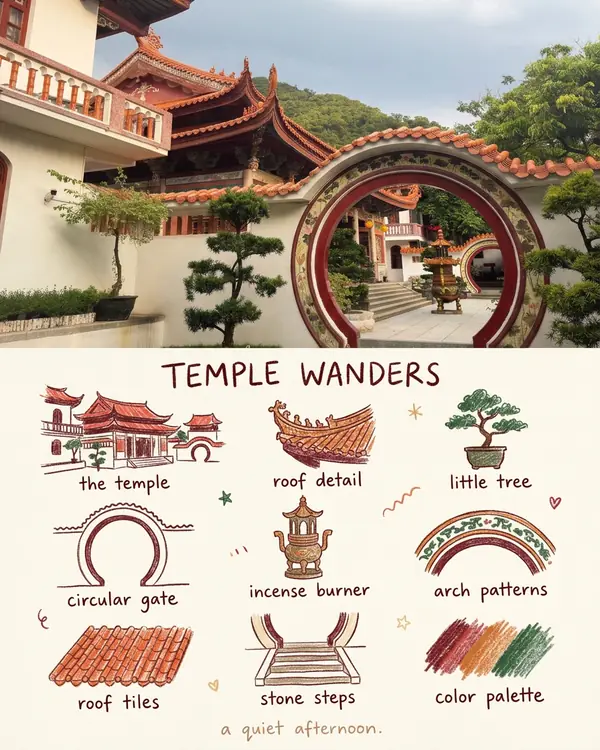 Photo to line drawingClean line art or a pencil sketch from your photo.
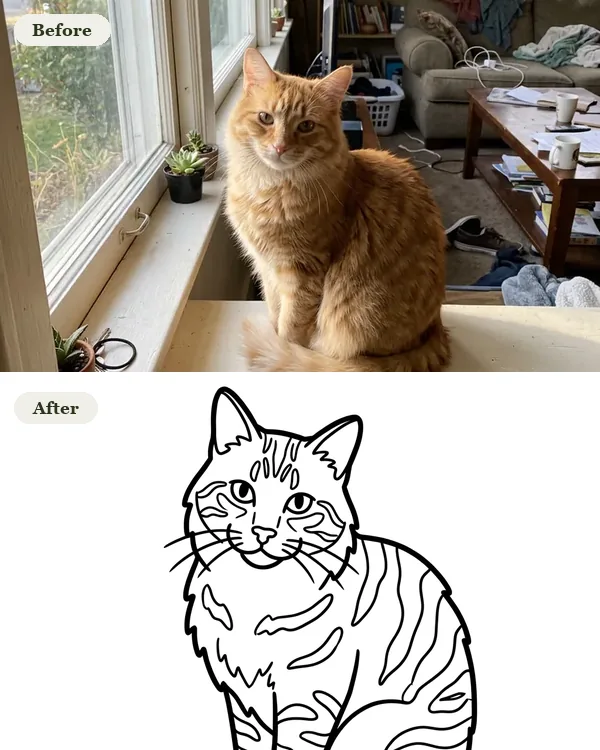 Photo to coloring pageYour pet, your house or your family as a printable coloring page.
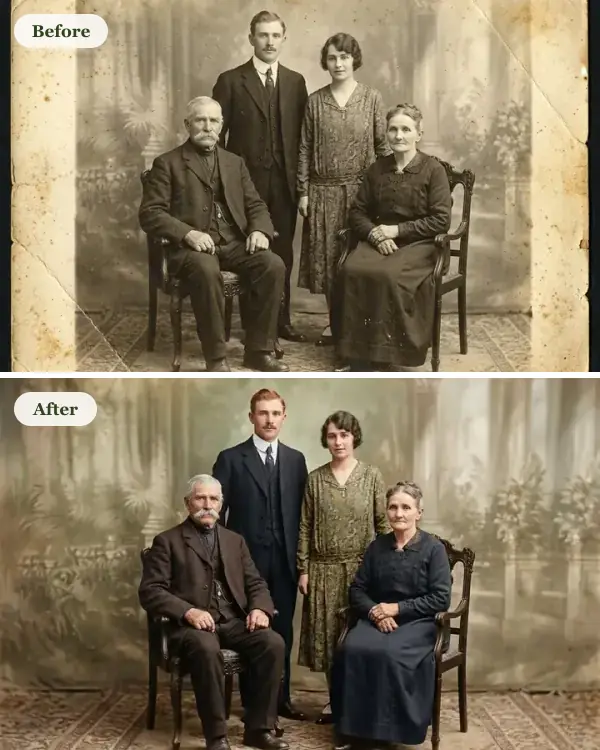 Restore and colorize old photosScratches, tears and faded color fixed, and where the model guesses.
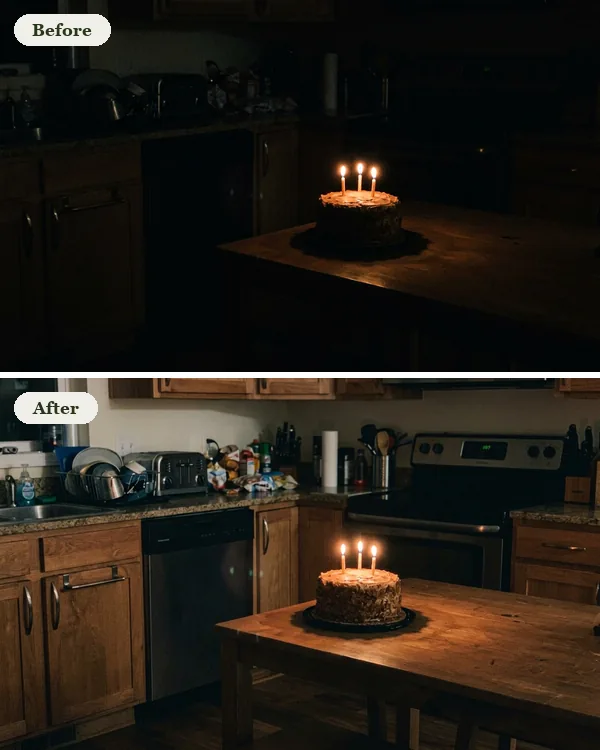 AI photo enhancerBrighten a dark photo, clean up night noise, fix a color cast or upscale to 4K, one sentence each.
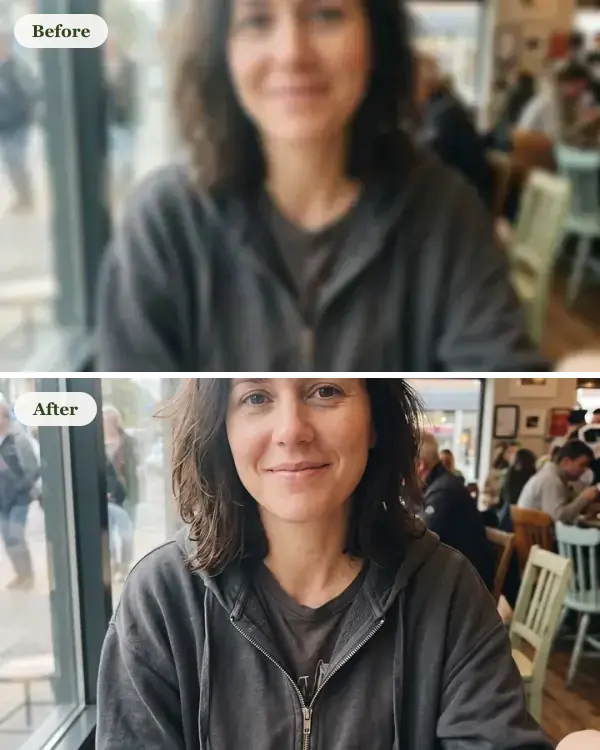 Fix blurry photosOne prompt for blurry, tiny, dark and blocky photos, checked against the originals.
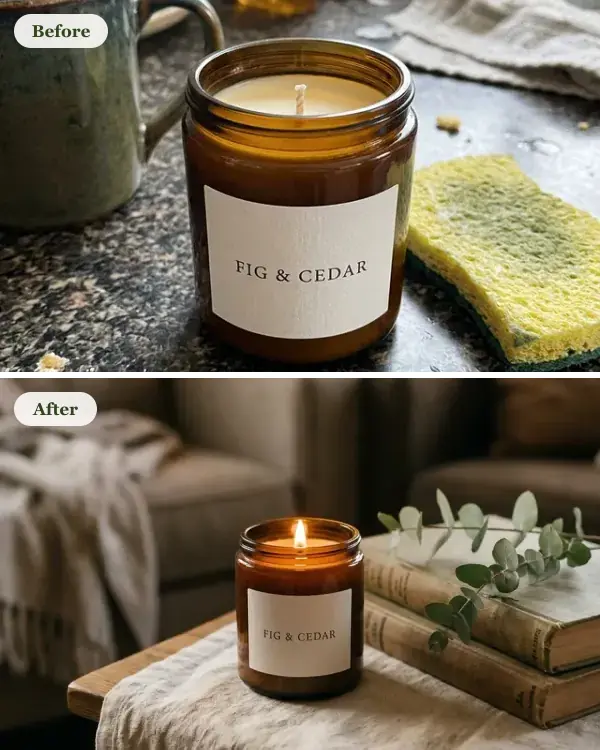 Product photography promptsStore and lifestyle shots from a plain phone photo of your product.
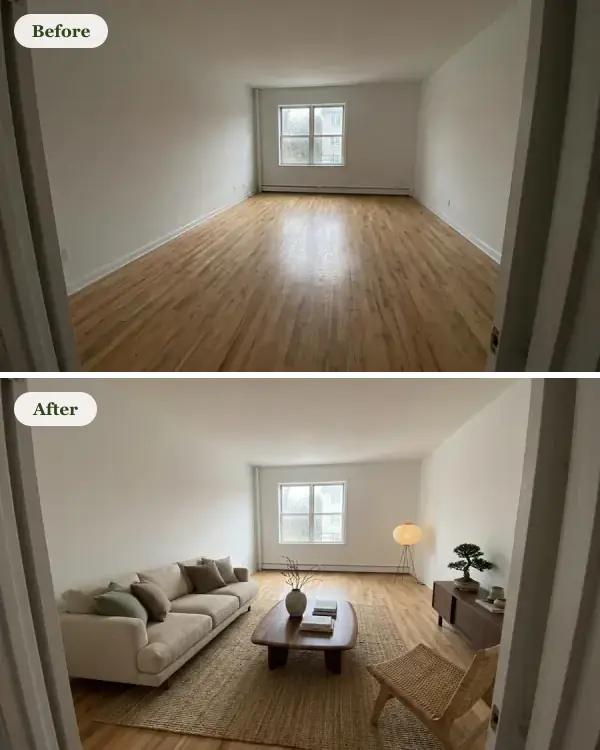 AI room designYour room furnished in the style you name, a cluttered living room restyled and a house front made over.
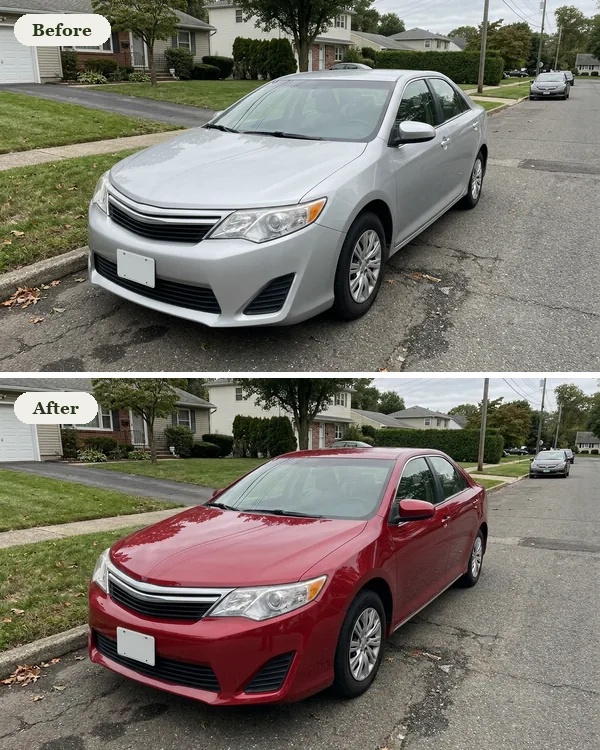 Car color changerOne car in gloss red, matte black, pearl white, brushed bronze and midnight blue.
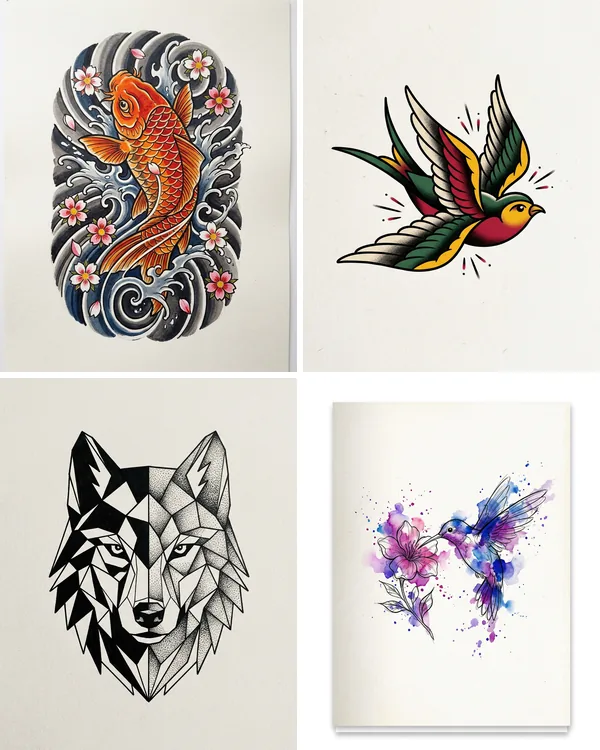 AI tattoo generatorFine line, traditional, Japanese and watercolor designs from one sentence, and your dog as a tattoo.
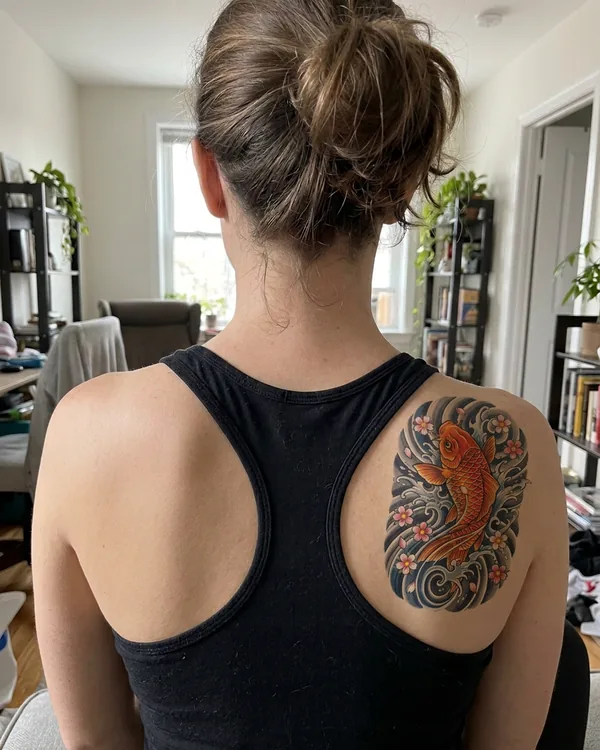 Tattoo try onSee a design on a photo of your arm, back or wrist before you ink, and try a cover-up.
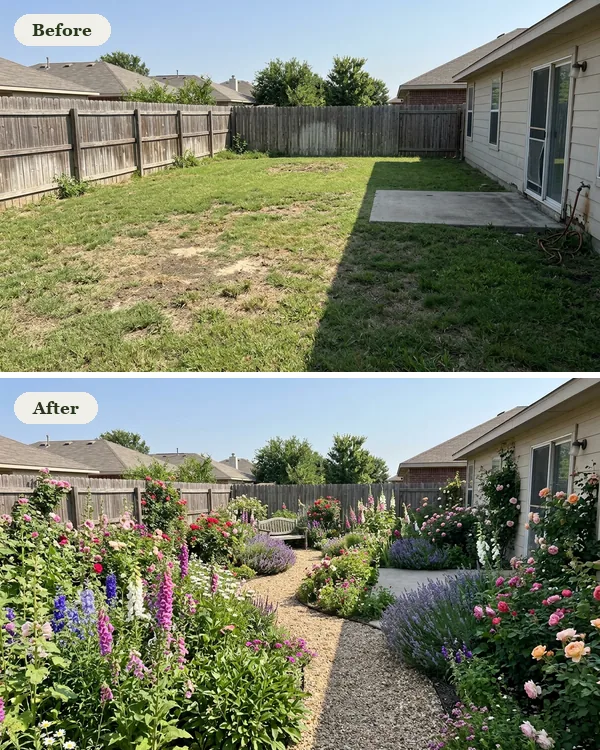 AI garden designYour own yard as a cottage, modern, zen, Mediterranean or kitchen garden, from one photo.
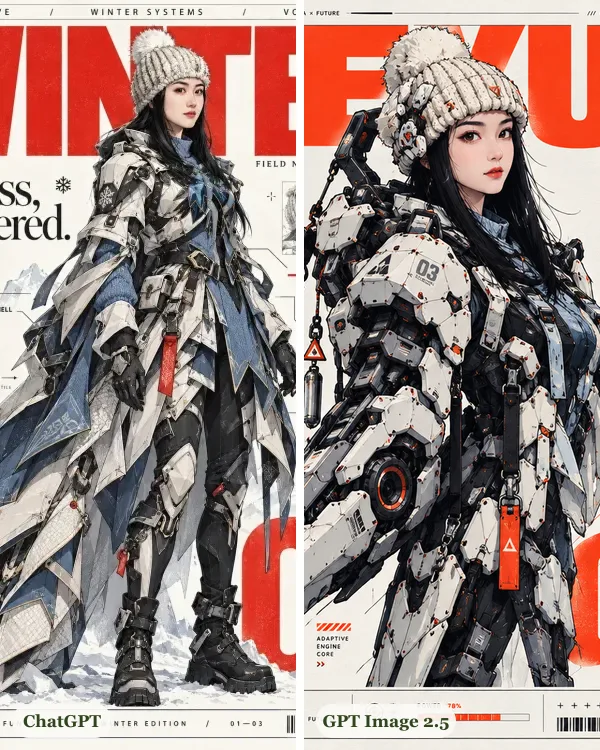 GPT Image 2.5 vs Nano Banana ProThe same 8 prompts through both, one selfie through ChatGPT too, with speed, price and which to use.
About Nano Banana 2.1 and Pro
- 2.1 vs 2 vs Pro · The same 8 prompts through all three, with speed, price and which to use.
- 2.1 vs 2 · What Google changed, what it costs now, and our side-by-side tests.
- Aspect ratios · All 14 shapes and their pixel sizes, which model takes which, and one prompt in 7 shapes.
- Watermarks · SynthID, Content Credentials and the visible mark: what's on each image and what turns off.
- Pricing · What one image costs on 2.1, 2 and Pro, through Google, fal.ai and GetStepSnap.
- API · The model ID, what an image costs through Google or fal.ai, a working request, and a no-code option.
- Gemini's free limit · Which model a free Gemini account gets from October 9, the real limits, and the API.
How image to image works
- 1
Add a photo
Upload the photo you want to change, or skip it and describe a new picture from scratch.
- 2
Say what to change
One sentence in plain English: a new background, a new outfit, an old photo restored.
- 3
Download it
Save the full-size file, or keep editing the result until it's right.
Credit packs from $11.90, paid once
- $11.90 for 20 credits or $32.90 for 70.
- With Nano Banana 2.1 an image takes 1 credit at 1K, 2 at 2K and 3 at 4K. With Pro, 3 at 1K or 2K and 6 at 4K; with GPT Image 2 or 2.5, 2. On every model, 3 or 4 photos add one more.
- Paid once, no subscription, and credits don't expire.
- Failed images give their credits back.
- Any tax is worked out by Waffo, our payment provider, at checkout.
Image to image questions
What is an image to image AI generator?
AI that starts from your photo instead of a blank page. You upload a picture and say what to change, and it makes a new image from both: the same person in a new outfit, an old photo restored in color, your dog as a sticker sheet. Here it runs on Google's Nano Banana 2.1, on Pro for detailed portraits and on OpenAI's GPT Image 2 and 2.5 for posters.
Can I make an image without a photo?
Yes. Leave the photo out and describe the picture you want; the same tool makes images from text too.
Is GetStepSnap made by Google?
No. GetStepSnap is an independent service. We run image to image models made by other companies, such as Google's Nano Banana models and OpenAI's GPT Image models, and charge for the images you make here.
What does it cost?
Credit packs are $11.90 for 20 credits or $32.90 for 70, paid once. Any tax is worked out by Waffo, our payment provider, at checkout. There's no free image. With Nano Banana 2.1 an image takes 1 credit at 1K, 2 at 2K and 3 at 4K; with Pro, 3 at 1K or 2K and 6 at 4K; with GPT Image 2 or 2.5, 2; with FLUX 3, which makes images from text only, 2 at 1K or 4 at 2K. On every model that takes photos, attaching 3 or 4 photos adds one more. Credits don't expire.
Do I need to install anything or bring an API key?
No. Everything runs in your browser. You sign in with your Google account and start typing.
What happens to the photos I upload?
We store them so the model can read them and so your results stay in your account. We don't sell them or use them for anything else. You can delete results and uploaded photos in Your images and credits. Email support@getstepsnap.com if you need help.