AI YouTube thumbnail maker: Nano Banana prompts with your face and big text
By GetStepSnap · Tested October 8, 2026
A thumbnail has one job: make someone stop scrolling. Usually that takes your face with a big reaction, three or four words in huge letters and one bright object. Attach a photo of yourself and Nano Banana 2.1 builds the whole thing at 16:9, text included.
Every result below is the first one we got at 1K, resized and nothing else. The starting photos were made with the model.

Reaction face for a tech review
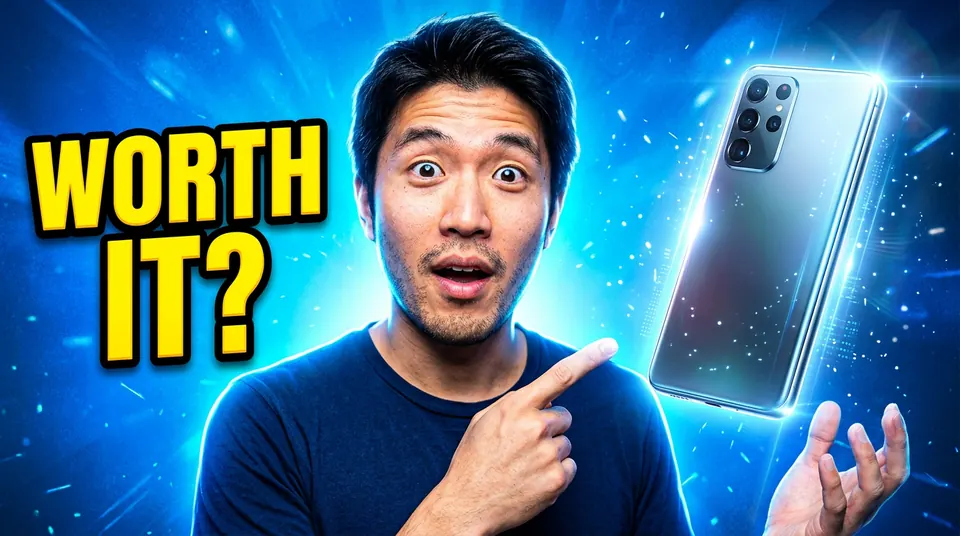
Use the man in this photo and keep his face exactly the same. A YouTube thumbnail: he looks surprised, eyebrows raised, pointing at a new smartphone floating on the right side. Bold text "WORTH IT?" in yellow with a thick black outline on the left. Bright blue background, strong rim light, high contrast, easy to read at a small size.
Raised eyebrows, the pointing hand, the floating phone and "WORTH IT?" in yellow with a black outline, all as asked.
Travel vlog with an arrow
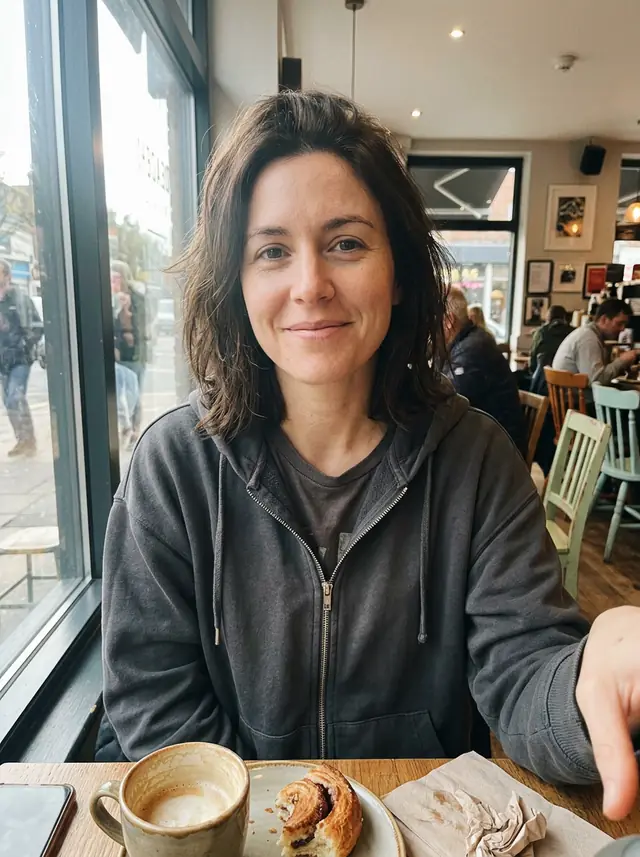
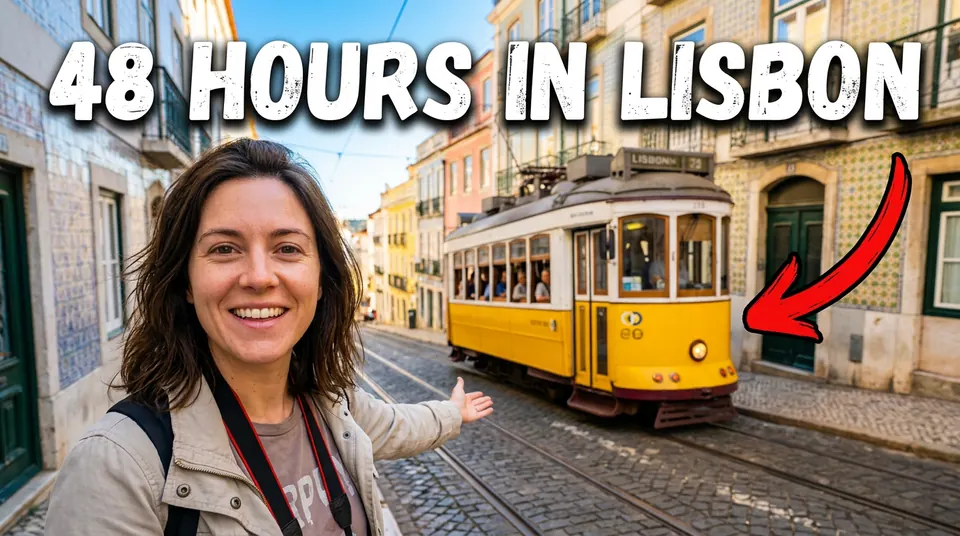
Use the woman in this photo and keep her face exactly the same. A YouTube thumbnail for a travel vlog: she smiles at the camera on a steep Lisbon street with a yellow tram behind her. Big bold white text "48 HOURS IN LISBON" with a dark shadow across the top, and a red arrow pointing at the tram. Vivid, sunny colors, sharp and readable at a small size.
The title spelled right across the top and a red arrow on the yellow tram.
Day 1 vs day 30 split
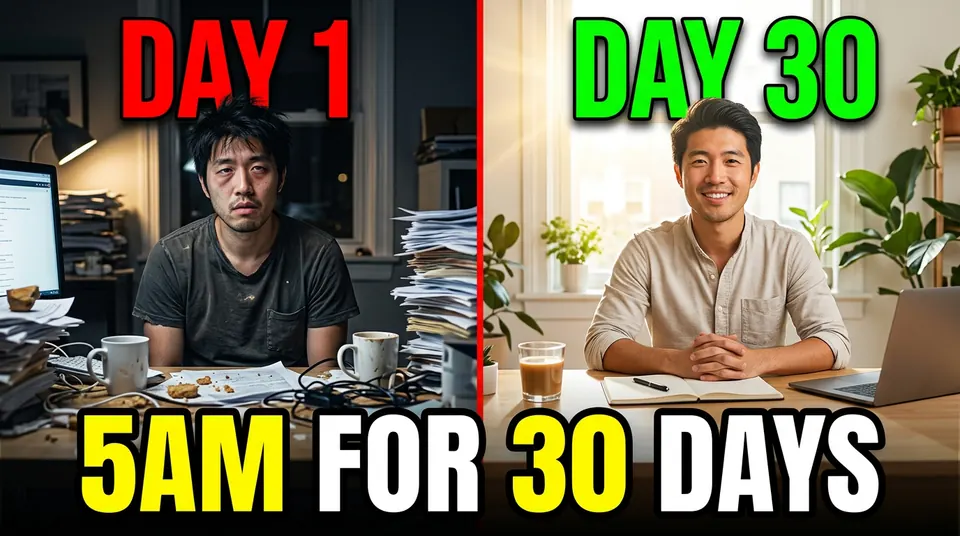
Use the man in this photo and keep his face exactly the same on both sides. A YouTube thumbnail split down the middle: on the left he looks tired at a messy desk at night, labeled "DAY 1" in red; on the right he looks fresh and smiling at a tidy desk in morning light, labeled "DAY 30" in green. Bold text "5AM FOR 30 DAYS" across the bottom. High contrast, easy to read at a small size.
The same face on both sides. It also made "5AM" and "30" yellow, which we didn't ask for but works.
Cooking video with a big reaction
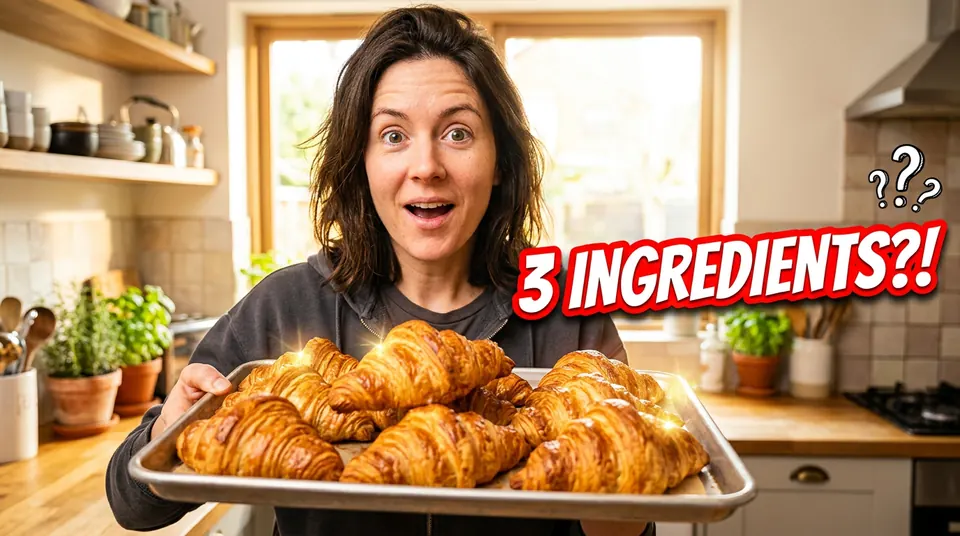
Use the woman in this photo and keep her face exactly the same. A YouTube thumbnail for a cooking video: she holds a tray of golden croissants in a bright home kitchen, looking amazed. Bold text "3 INGREDIENTS?!" in white with a thick red outline on the right. Warm, saturated colors, sharp focus, easy to read at a small size.
"3 INGREDIENTS?!" in white with a red outline, plus a few question marks it added on its own.
Podcast episode with two people
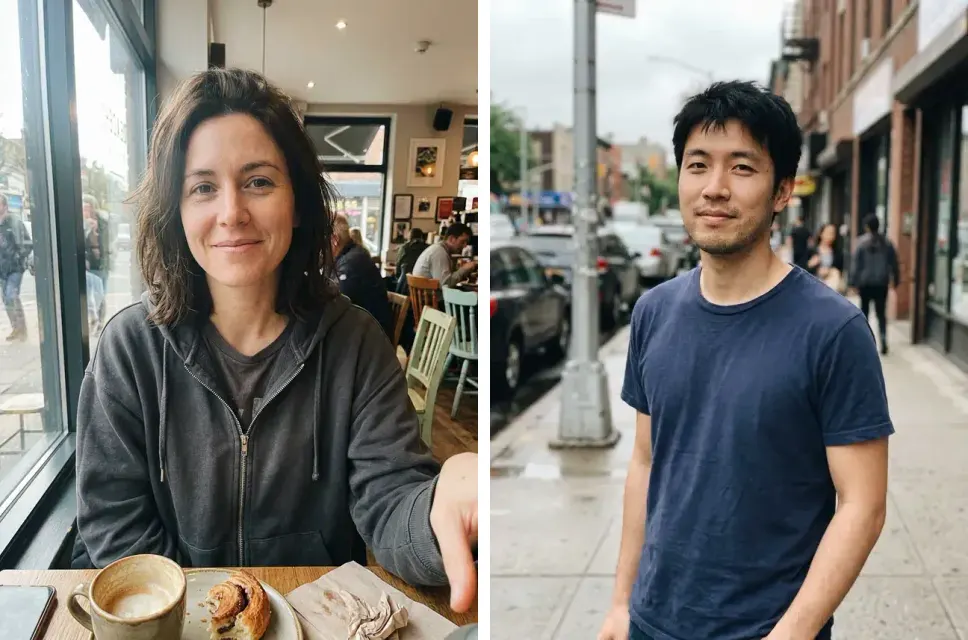
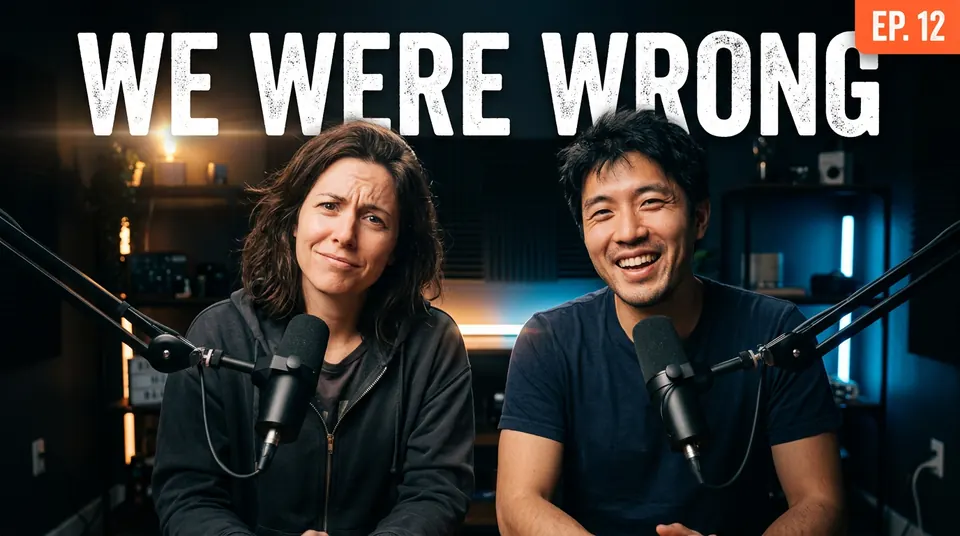
Use the woman from the first photo and the man from the second photo and keep both faces exactly the same. A YouTube thumbnail for a podcast episode: the two of them side by side in a dark studio with microphones, both looking at the camera, she skeptical and he laughing. Bold text "WE WERE WRONG" in white across the top, with a small orange "EP. 12" tag in the corner. Moody lighting, high contrast.
Two separate photos, one studio: she looks skeptical, he laughs, and the "EP. 12" tag sits in the corner.
A history thumbnail from text alone
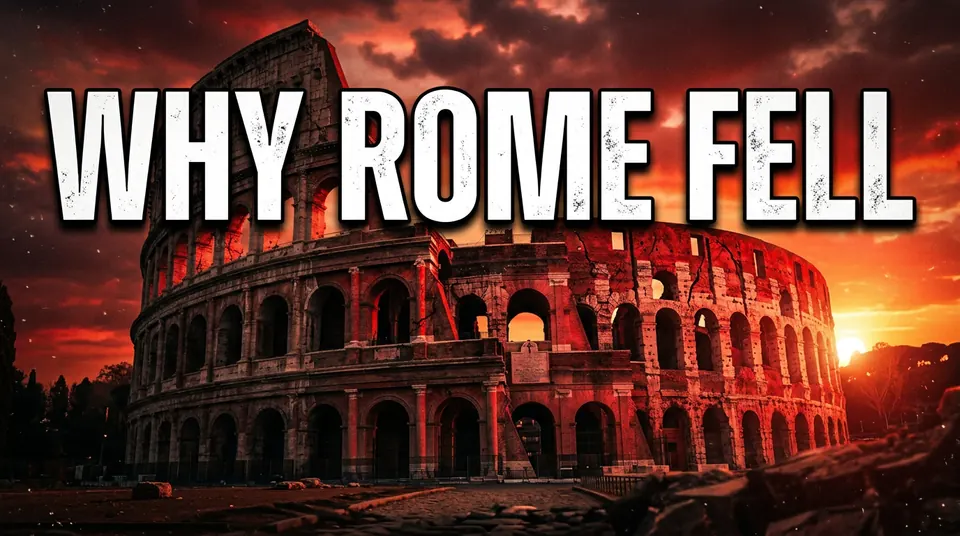
A YouTube thumbnail for a history video: the Roman Colosseum at a dramatic red sunset with cracks running across the stone, and huge bold text "WHY ROME FELL" in white with a black outline. Cinematic, high contrast, easy to read at a small size.
No photo needed. The cracks are thin; at thumbnail size you mostly see the sunset and the title.
Tips
- Two to four words. Our titles are that short, and every one came out spelled right and readable at a small size.
- Name the text color and the outline. "Yellow with a thick black outline" is what makes the words pop on any background.
- Ask for the reaction. Surprised, amazed, skeptical, laughing: the faces changed expression and still looked like the same person.
- Check the size. Our 1K results are 1376 x 768 pixels and under 2 MB, within what YouTube Help allows even for uploads from a phone.
What it costs
On GetStepSnap your first 1K image is free. After that a thumbnail takes 1 credit at 1K or 2K, and 100 credits cost $9.90 (plus local tax where it applies), about $0.10 each, with no subscription. Ours took 15 to 22 seconds each. For the photo inside the thumbnail, see AI photoshoot from one selfie; for a poster with the same bold text, the AI poster from your photo.
Questions
How do I make a YouTube thumbnail with my face?
Attach a clear photo of yourself, choose 16:9, start with "Use the man in this photo and keep his face exactly the same" (or the woman), then describe the reaction, the background and the text, with the words in quotes.
Will the text be spelled right?
All six of our titles came out spelled right, from two words to four. Keep it short and check the result before you upload it.
What size should a YouTube thumbnail be?
YouTube Help asks for 16:9 and recommends thumbnails as large as possible, up to 3840 x 2160, at least 640 pixels wide. Uploads from a phone are limited to 2 MB, from a computer to 50 MB (checked October 8, 2026). Our 1K results are 1376 x 768 and under 2 MB as PNG.
Is it free?
Your first 1K image on GetStepSnap is free. After that a thumbnail takes 1 credit at 1K or 2K, and 100 credits cost $9.90 (plus local tax where it applies), about $0.10 each. No subscription.
What happens to the photos I upload?
We store them so the model can read them and so your results stay in your account. We don't sell them or use them for anything else. To have them deleted, email support@getstepsnap.com.