Image to Pixel Art
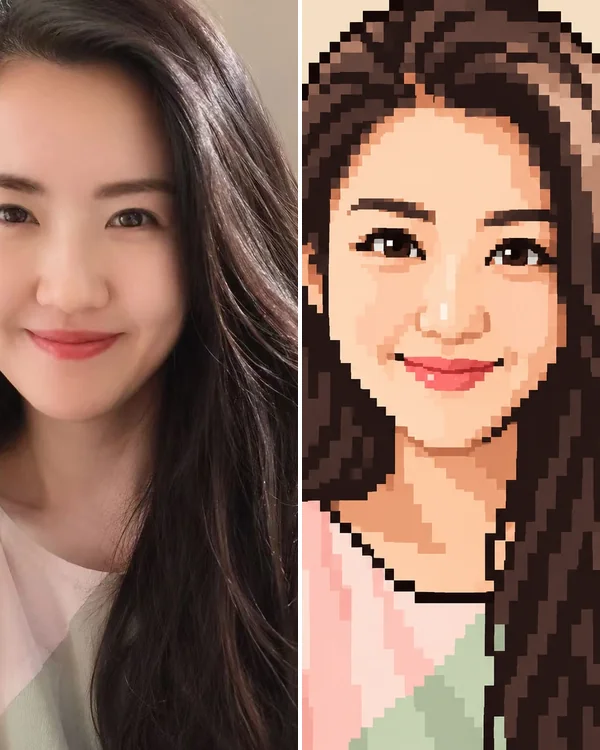
Turn a photo into pixel art two ways: have AI redraw it as a 16-bit game character or a pixel avatar, like the selfie below, or use the free converter in your browser with your own grid and colors.
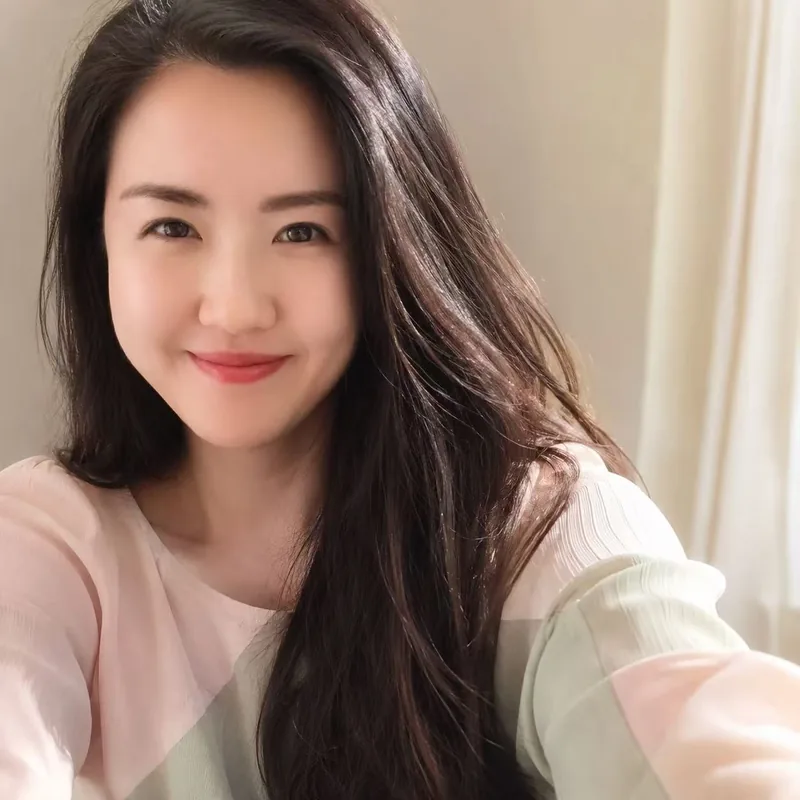
Free image to pixel art converter
Loading the example…
Showing our example. You can also drop or paste one. It stays on your device.
How to turn an image into pixel art
- Upload a picture, drop it on the box, or paste it. One clear subject on a plain background gives the cleanest result; crop close first, because every block of empty background is a block your subject doesn't get.
- Pick how many pixels across. 64 keeps a face readable; 32 suits a small game sprite.
- Pick how many colors. 32 keeps skin and hair natural; 4 or 8 look more like an old console game.
- Download the PNG to share or print, or the sprite, with one pixel per block, for a game. Turn on grid lines first if you're making a bead or stitch pattern.
How many pixels across
- 16: an icon. The outline and the main colors read; a face turns into a few blocks.
- 32: a game character. Eyes, hair and clothes start to show. The size most sprites use.
- 64: still pixel art, but close to the photo: faces stay recognizable.
- 128: a mosaic. Good for big prints and detailed bead pictures, less for games.
How many colors
Fewer colors look more like an old game and are cheaper to make in beads or thread; the tool picks the colors that matter most in your picture. 4 colors give a poster, 8 bring back light and shadow, 16 keep skin and hair natural, and 32 or more give smooth shading. "All" keeps every block's own color.
Grid lines for perler beads and cross-stitch
Turn on grid lines and every square is one bead or one stitch. A picture 32 across and 32 down is 1,024 beads; the palette under the tool lists each color's hex code so you can match beads or thread. Count rows off the PNG, or print it and tick squares off as you go.
AI pixel art: your photo, redrawn
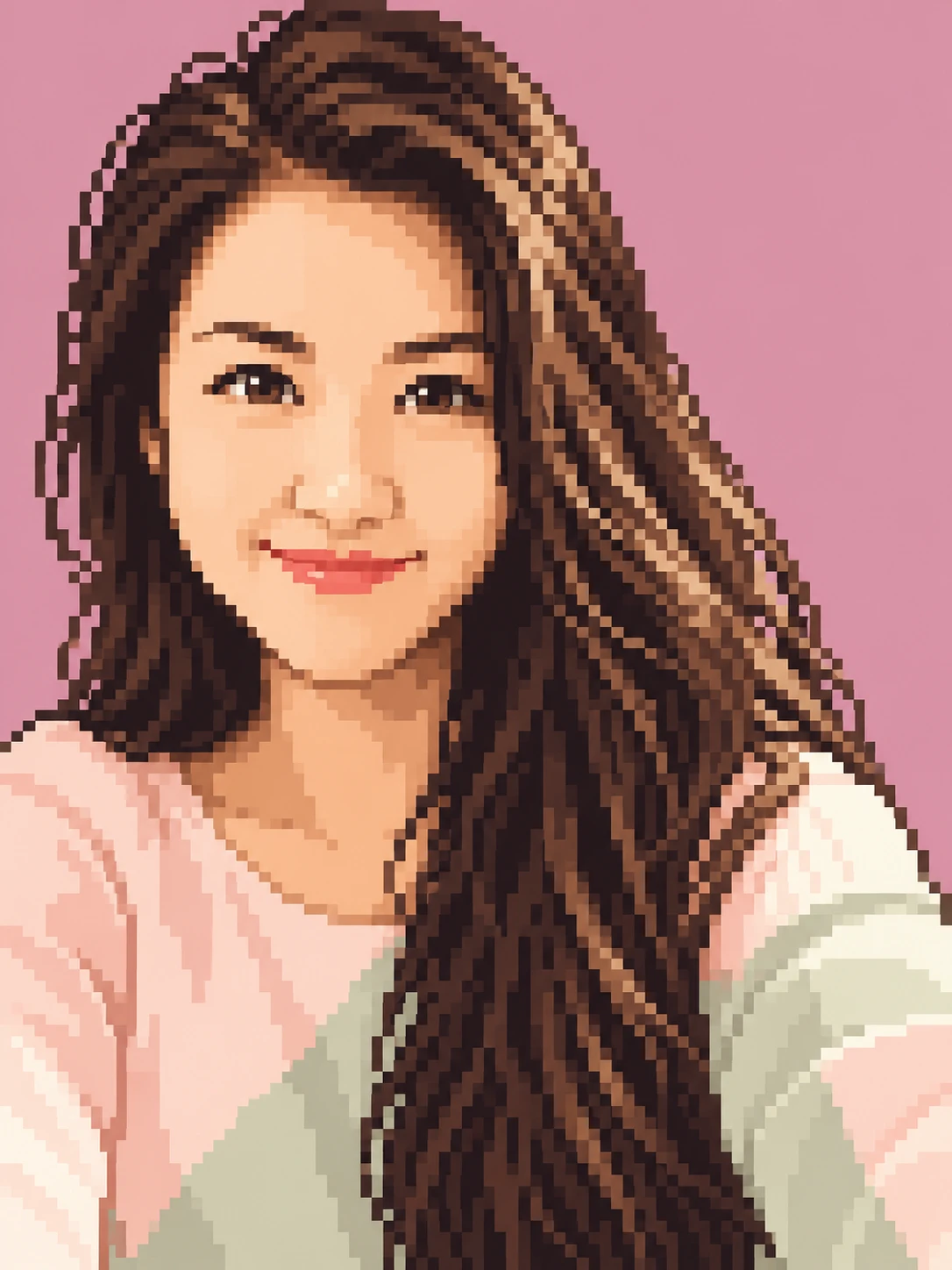
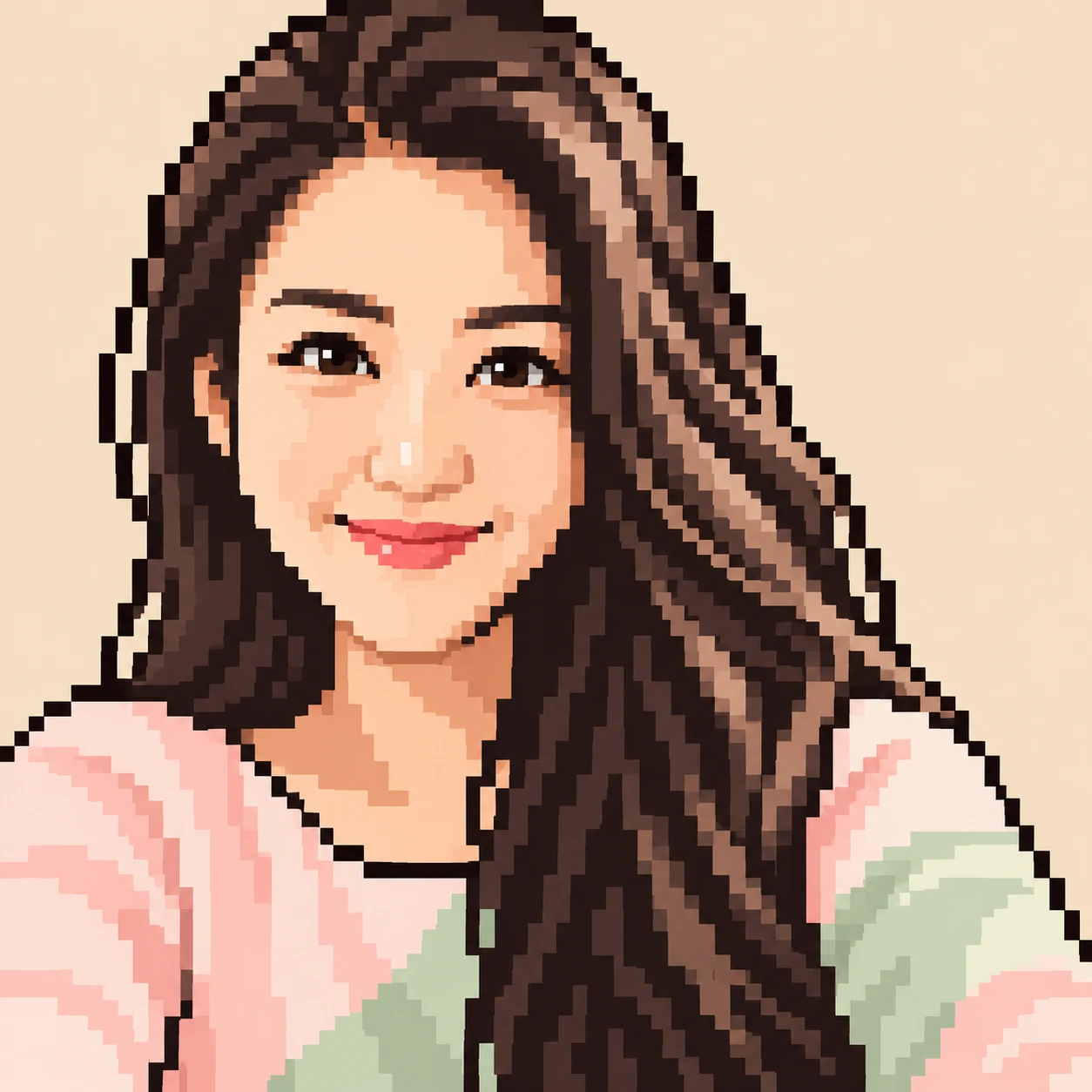
The converter above can only shrink your picture, so the result looks like your photo seen through a screen door. Real pixel art is drawn: clean outlines, flat colors, a plain background. Upload a photo, pick a style, and OpenAI's GPT Image 2.5 redraws it, keeping your face, pose and clothes:
- 16-bit RPG: A character from a 16-bit role-playing game: one even pixel grid, flat colors, a plain background.
- Pixel avatar: A square collectible-style avatar: bigger pixels, a dark one-pixel outline, a plain background.
An image takes 2 credits; packs cost $11.90 for 20 credits or $32.90 for 70, paid once.
Your photo
Style
A character from a 16-bit role-playing game: one even pixel grid, flat colors, a plain background.
Size
about 1 megapixel · 2 credits
3:4, set by the style
Before16-bit RPG from the selfie on the left. Upload your own photo to try it.
Your own image will show up here.
Pixel characters that move, and chibis
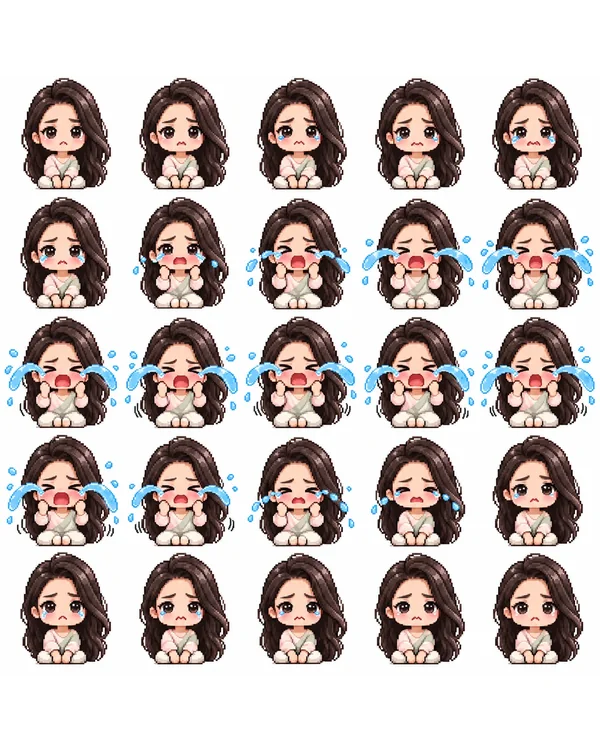
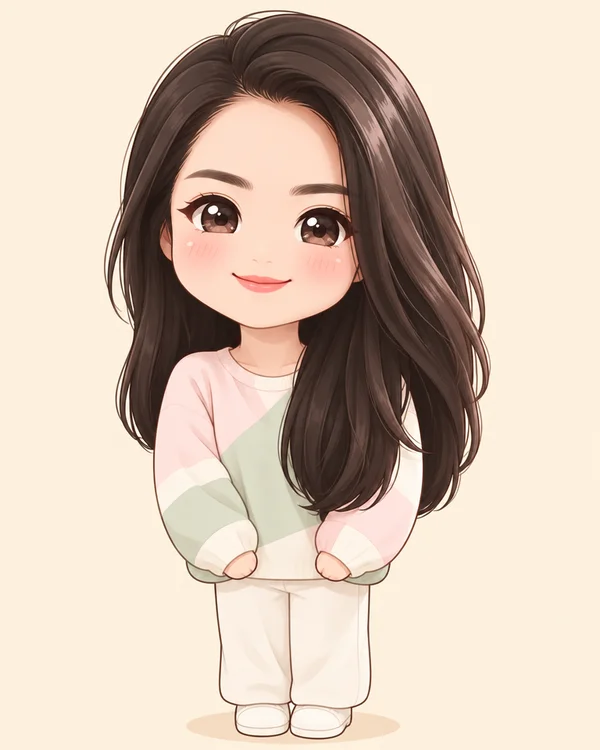
The same photo can become a game sprite: the AI sprite sheet generator draws it as a small pixel chibi with 25 frames of an idle, a walk cycle, a jump or a punch. No photo? The AI pixel art generator makes a 16-bit or 8-bit character from a sentence. And for a cute, non-pixel version of you or your pet, try the chibi maker.
Image to pixel art FAQ
Is this image to pixel art converter free?
The converter at the top is: no sign-in, no limit, and your picture never leaves your device. Only the AI styles further down use credits (2 credits an image).
Which size should I pick?
16 pixels across for icons and tiny sprites, 32 for most game characters and avatars, 64 when a face or a logo has to stay readable, 128 for a mosaic that still looks like the photo.
How do I make a perler bead or cross-stitch pattern from a picture?
Pick 32 across, 8 to 16 colors, and turn on grid lines; each square is one bead or stitch. The palette under the tool lists every color's hex code for matching beads or thread. A large square pegboard is about 29 pegs across, so a 32-wide pattern needs a little trimming or two boards.
Can I use it as a game sprite?
Yes. The Sprite button saves a PNG with one pixel per block, such as 28 × 32, ready for a game engine. Scale it up with nearest-neighbor (no smoothing) so the pixels stay sharp.
Does it keep a transparent background?
No. Transparent parts turn white, and the PNG has a solid background.
What's the difference between the free converter and the AI styles?
The converter shrinks your picture and gives each block its average color, so you get exactly your picture, blocky. The AI styles redraw your photo as pixel art, with the outlines, flat colors and shading an artist would use, and keep the face, pose and clothes. It's a new picture each time.
What's the difference between 16-bit RPG and Pixel avatar?
16-bit RPG draws you as a character from a classic role-playing game, in a tall 3:4 picture with an even pixel grid. Pixel avatar makes a square profile picture with bigger pixels and a dark one-pixel outline, like a collectible avatar.
What happens to the photos I upload?
In the free converter, nothing: the picture stays in your browser. For the AI styles we store your photo so the model can read it and your result stays in your account, and use it for nothing else. To have it deleted, email support@getstepsnap.com.