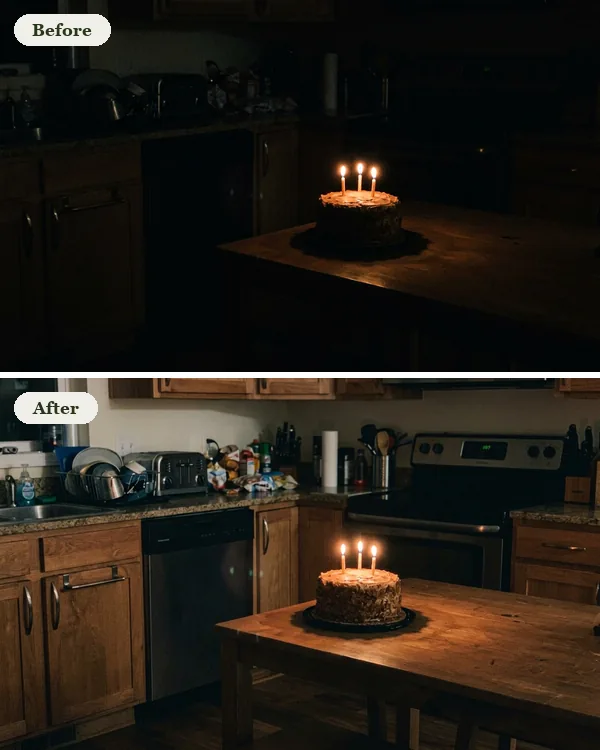
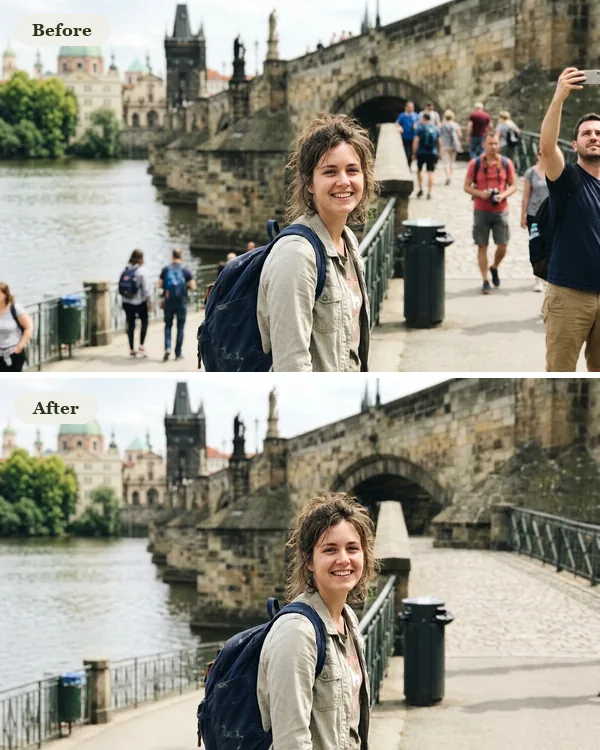
Gemini Watermark Remover
Drop in a Gemini or Nano Banana image and the star in the corner is gone in a second, at full quality. Free, no sign-in, and your image never leaves your browser.
or drop them here, or paste one. PNG, JPG or WebP, up to 20 at a time. Free, no sign-in.
Files never leave your browser · Original quality · Done in a second
Before and after
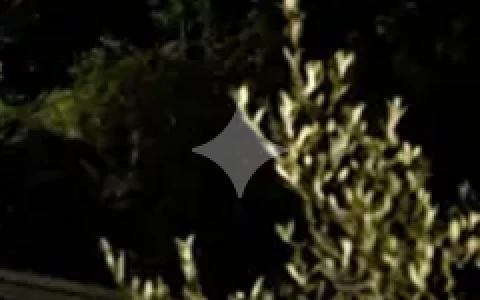
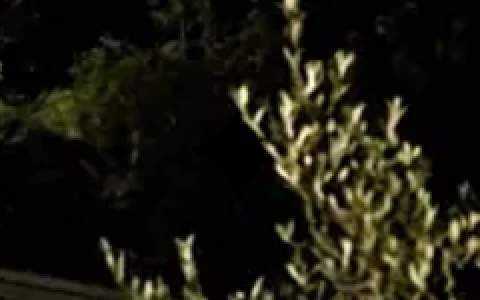
The star drawn on one of our photos with Gemini's own mask, then removed with this tool. Corner enlarged 2x.
The star is gone
The four-pointed star Gemini puts in the bottom-right corner comes out cleanly, with nothing smudged over it.
Nothing else changes
Only the pixels under the star are touched. Every other pixel of your image stays exactly as it was.
Full size, full quality
You get the image back at its full size as a PNG, with no extra compression, ready to use.
Why remove the Gemini watermark
- It's a logo on your picture. A star in the corner has nothing to do with your design, and it's the first thing people notice on a clean image.
- It looks unfinished on real work. On a client draft, an ad, a product photo or a YouTube thumbnail, a stray logo makes the image look like a test.
- You already made the image. Gemini's Media Watermark setting only changes images you make from now on. The ones you already saved keep the star.
What the Gemini watermark is
Images made in the Gemini app get a small white four-pointed star in the bottom-right corner, drawn semi-transparently over the picture. That's the visible watermark, and it's what this tool removes.
Google also puts an invisible watermark, SynthID, into the pixels of every image its models make, and it stays even after cropping or compression. You can't see it, and this tool doesn't touch it. Our guide to Nano Banana watermarks covers both.
How to remove the Gemini watermark
- In Gemini, open the image and download it. Use the downloaded file, not a screenshot: a screenshot moves the star and blurs its edges.
- Drop the file on the box above, or copy the image and paste it with Ctrl+V (Cmd+V on a Mac). Up to 20 at once. On a phone, tap Choose Gemini images and pick them from your photos.
- Check the corner before and after, then click Download PNG.
How it works
Gemini mixes its white star into the picture at a fixed see-through strength, so every pixel under it is the original color plus a known share of white. Knowing the star's exact shape, the tool measures how strong it is in your image and takes exactly that much white back out, pixel by pixel. Nothing is guessed or painted over, which is why the result isn't blurry. The star shapes come from the open-source gemini-watermark-remover project (MIT License).
Make Nano Banana images without the watermark
Images you make with Nano Banana 2.1 on GetStepSnap come without the corner star, from a sentence or from your own photo, up to 4K. Like every Nano Banana image they still carry Google's invisible SynthID. An image takes 1 credit at 1K, 2 at 2K and 3 at 4K (one more with 3 or 4 photos).
Gemini watermark remover FAQ
Is this Gemini watermark remover free?
Yes. It runs on your own device, so there's nothing for us to charge for: no sign-in, no daily limit and no credits.
Are my images uploaded?
No. Your browser opens the image and cleans it; nothing is sent to our servers. Once the page has loaded, it works even with the internet switched off.
Will the image lose quality?
No. Only the pixels under the star change, and you get the full-size image back as a PNG. A JPG comes back as a PNG too, so it isn't compressed a second time.
Does it work on Nano Banana images?
Yes. Nano Banana is the image model inside Gemini, so images from Nano Banana, Nano Banana 2 and Nano Banana Pro made in the Gemini app carry the same star, and the tool takes it out.
Why didn't it find the watermark?
It looks for the star where Gemini puts it, at the sizes Gemini saves. A cropped image, a screenshot or a copy shrunk by a chat app can move or blur the mark. Try the original file you downloaded from Gemini.
Can I turn the watermark off in Gemini?
For new images, often yes: on gemini.google.com, click Settings at the bottom left, then Media Watermark. Google says that in India, South Korea and Vietnam only AI Ultra subscribers get the switch (checked October 8, 2026). Images you already made keep the star; that's what this tool is for.
Does it remove SynthID too?
No. SynthID is Google's invisible watermark, spread through the pixels, and this tool leaves it alone. It only removes the visible star.
Does it work on Gemini videos?
Images only: PNG, JPG and WebP.