Chibi Maker
Upload a photo of yourself, your pet or a character you drew, and get it back as a chibi: the big head, the tiny body, the same face and outfit. Pick a full-body chibi, a chibi avatar, or a sheet of nine chibi emotes. 2 credits a picture.
Your photo
Style
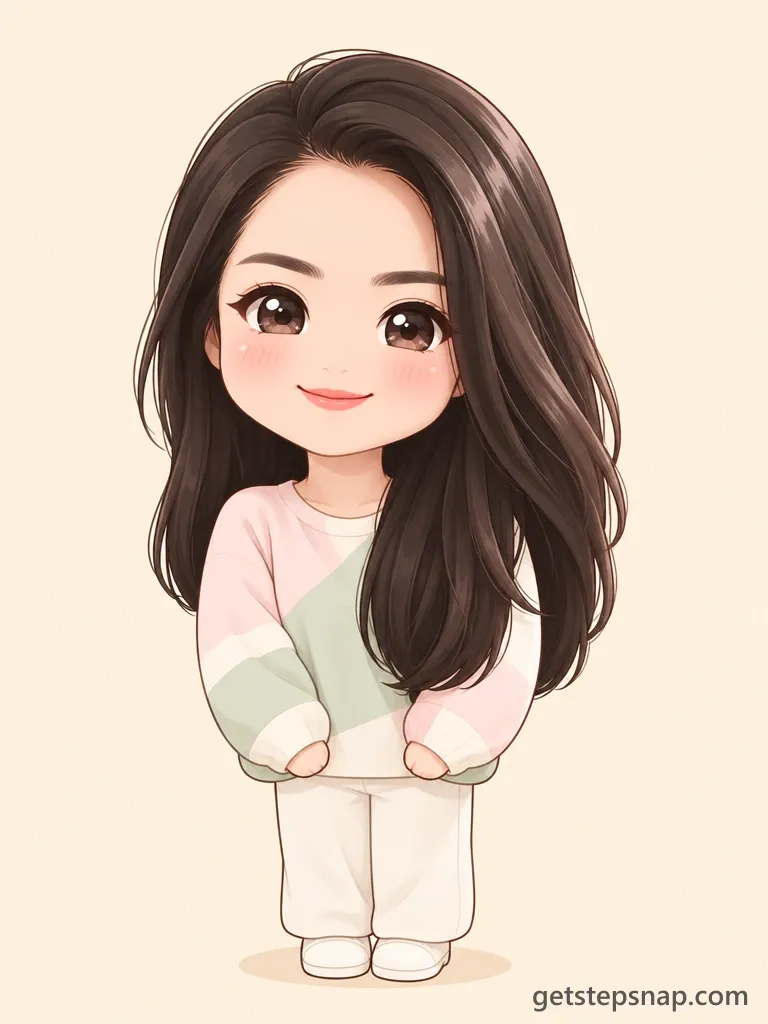
The whole body as a cute chibi: a big head, a small round body, clean anime lines, a plain background.
Size
about 1 megapixel · 2 credits
3:4, set by the style
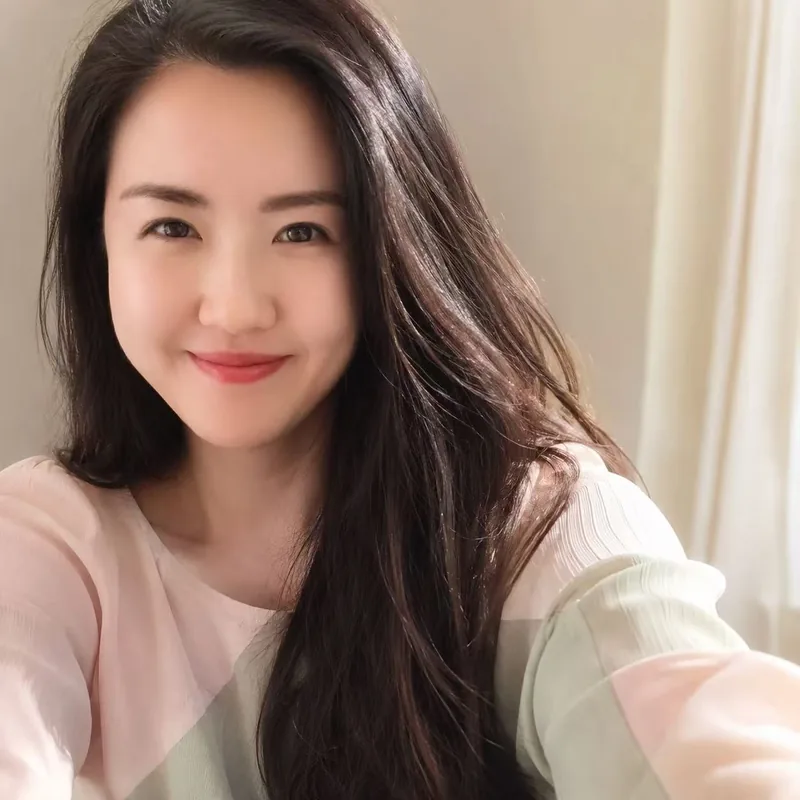 Before
Chibi character, from the selfie on the left. Pick a style and upload your own.
Your own image will show up here.
How to make a chibi of yourself
- Upload one clear photo: your face in good light, ideally down to the waist so the outfit shows. A pet photo works the same way.
- Pick Chibi character, Chibi avatar or Chibi emotes.
- Click Generate and download the PNG. Not quite you? Run it again; every try is drawn fresh.
Three kinds of chibi
- Chibi character: The whole body as a cute chibi: a big head, a small round body, clean anime lines, a plain background.
- Chibi avatar: A square head-and-shoulders chibi for a profile picture, on a plain background.
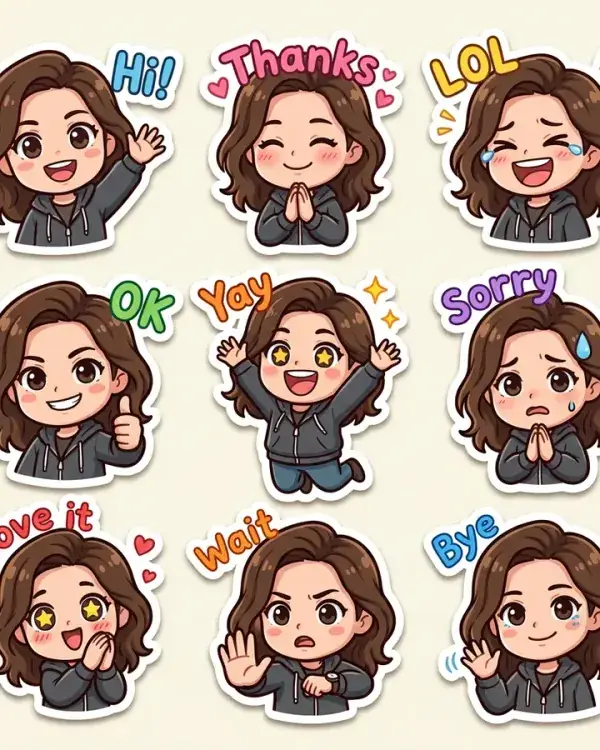
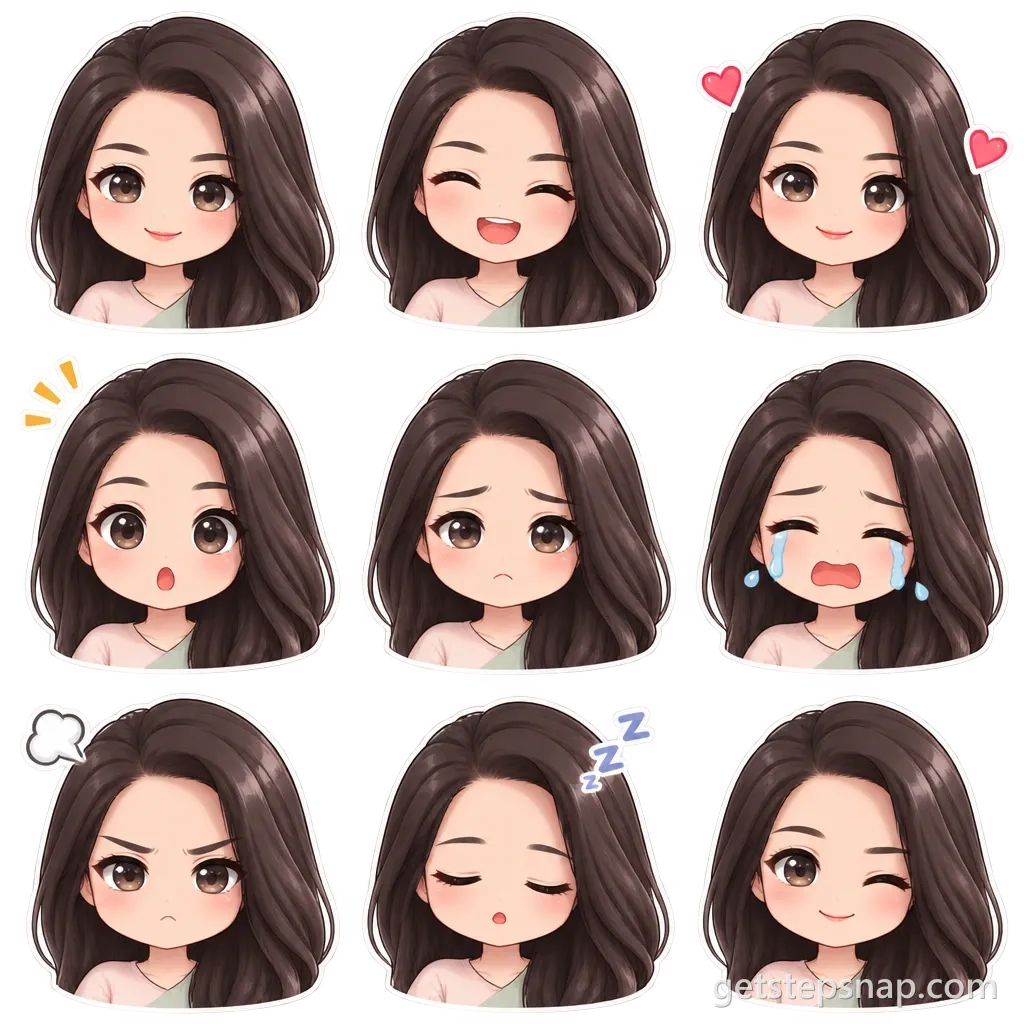
- Chibi emotes: Nine chibi faces in a 3×3 sheet on a transparent background: happy, laughing, love, surprised, sad, crying, angry, sleepy and a wink.
The full-body chibi is the one people print as a sticker or put on a phone case. The avatar is cut for a round profile picture, so the head fills the square. The emote sheet gives you one character with nine moods, for a stream, a Discord server or a group chat.
Photos that make the best chibis
- Face the camera. A chibi is mostly head, so the face carries the likeness. A side profile or sunglasses leave the model guessing at the eyes, and the eyes are the biggest thing in a chibi.
- Daylight beats a dark room. In dim light, hair and clothes lose their color, and the chibi gets the muddy version.
- Show the outfit. For the full-body chibi, a photo down to the waist or the knees gives it your real clothes. A face-only selfie still works; the model then picks simple clothes in your colors.
- Keep what makes you you. Glasses, freckles, a fringe, a beard, a favorite hat: they all survive the trip, so wear them if they're part of how people picture you.
- Pets: get down to their eye level and fill the frame. Patterns on the fur, like a white chest or one dark ear, come through in the chibi.
An AI chibi generator, not a dress-up game
Most chibi character creators are dress-up games: you start from a blank doll and click through hair, eyes and clothes until it looks a bit like you. It's fun, and it takes a while, and the result is still a stock face. Here the photo does that work. The model reads your face shape, hairstyle, glasses, freckles and what you're wearing, and draws a chibi with all of it, in clean anime lines and soft shading.
Chibi emotes for Twitch and Discord
An emote maker usually means drawing nine faces by hand or paying an artist per emote. The Chibi emotes button gives you happy, laughing, love, surprised, sad, crying, angry, sleepy and a wink, all the same character, on one sheet with a transparent background, each with a thin white sticker outline so it reads on dark and light chat themes. Cut them apart and save each at 112, 56 and 28 pixels for Twitch, or 128 for Discord.
Take your chibi further
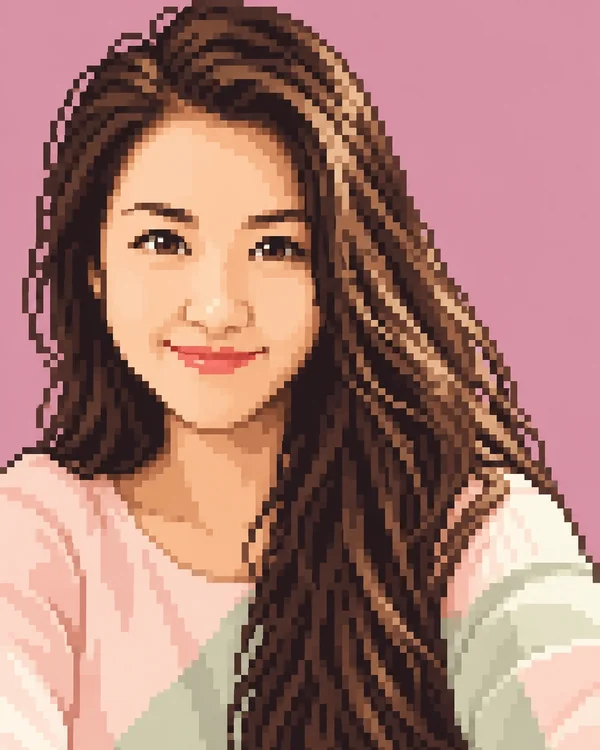
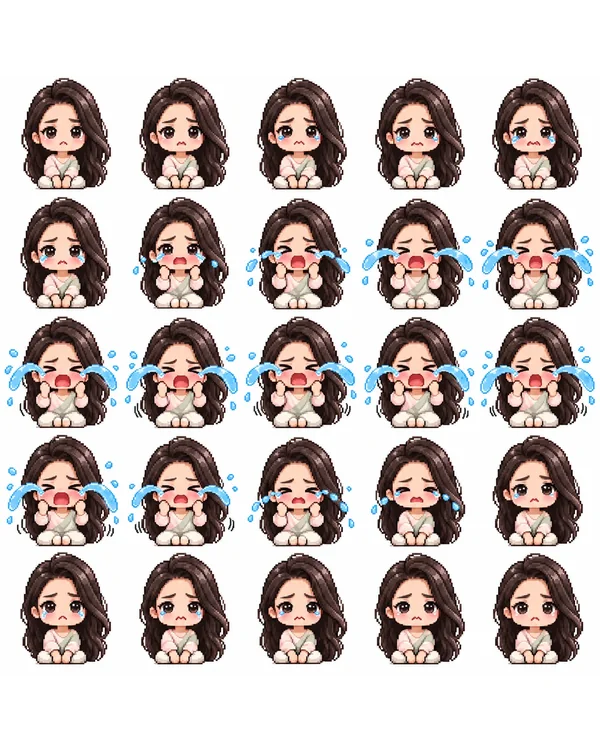
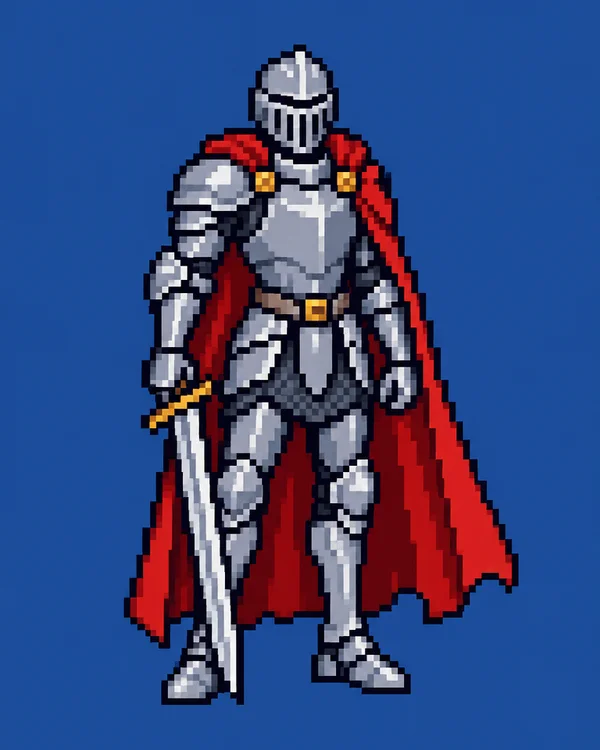
Making a game? The AI sprite sheet generator turns the same photo into a small pixel chibi with 25 frames of walking, jumping or waving. For a pixel portrait instead, try image to pixel art, and for a character from words alone, the AI pixel art generator. Want die-cut stickers rather than a chibi? That's the AI sticker maker.
Chibi maker FAQ
Is this chibi maker free?
No. Each chibi takes 2 credits on OpenAI's GPT Image 2.5; packs cost $11.90 for 20 credits or $32.90 for 70, paid once, no subscription. Every style costs the same.
Can I make a chibi of my dog or cat?
Yes. Pets come out well: the model keeps the fur color, the markings and the ear shape, and gives them the big chibi head. One pet per photo works best.
Can I put two people in one chibi?
Only if they're already together in the same photo, and even then one person comes out more reliably. We don't combine people from separate photos.
What's the difference between this and a dress-up chibi maker?
A dress-up maker gives you a blank chibi and drawers of hair, eyes and clothes to click together. This one starts from your photo, so the chibi already has your face shape, hair and outfit, and you don't pick parts.
Can I use the emotes on Twitch or Discord?
Yes. The nine emotes come on one PNG with a transparent background, so there's nothing to erase: cut each one out with a square selection and save it. Twitch asks for square PNGs at 112, 56 and 28 pixels; Discord takes 128 pixels.
Can I change the outfit or the pose?
Not with these buttons: they keep what's in your photo. Upload a photo in the outfit you want, or use the open prompt on the GPT Image 2.5 page to describe your own chibi.
What happens to the photos I upload?
We store your photo so the model can read it and your result stays in your account, and use it for nothing else. To have it deleted, email support@getstepsnap.com.