AI photo enhancer: fix light, noise and detail
Tell the AI photo enhancer what's wrong in one sentence, and it fixes that and keeps the rest of your photo. Uses Google's Nano Banana 2.1.
Your photo
Size
about 1 megapixel · 1 credit
 Before
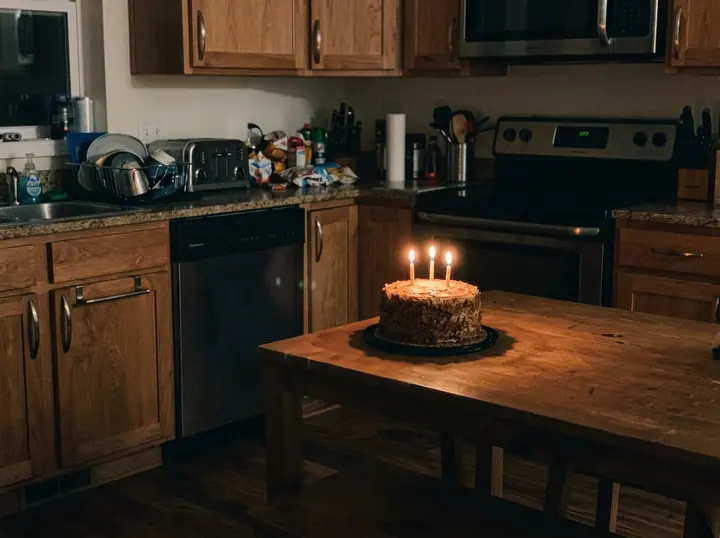
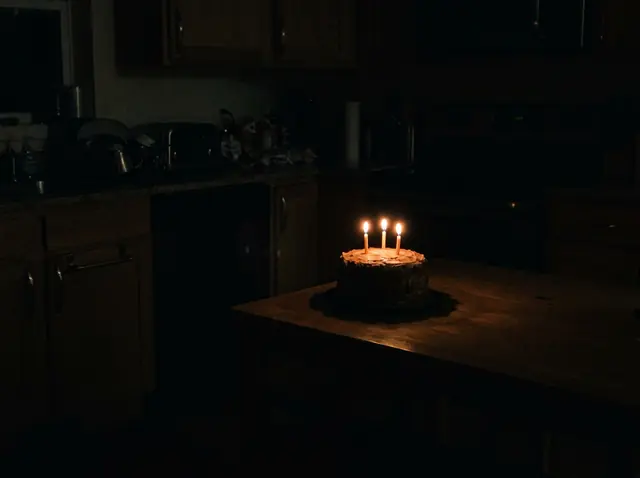
The cake, the candles and the table stayed put, and the room came out of the dark. The cabinets line up with faint shapes in our photo; the clutter on the counter is the model's guess at what the shadows hid.
Your own image will show up here.
AI photo enhancer examples: five fixes, one sentence each
We made five flawed phone photos with the model, so no real person or place is in them, and fixed each with one sentence that names the problem. Each is the first result we got. The small picture is what we gave it; "Use this prompt" puts the prompt in the tool above.
A dark photo, brightened
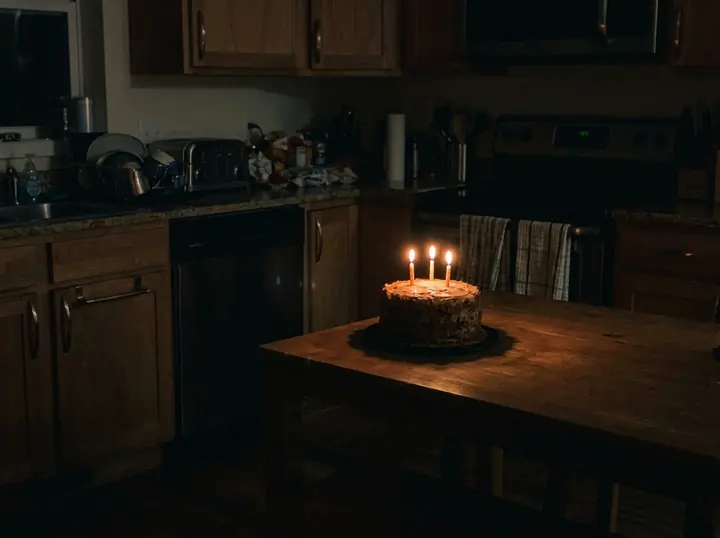
Brighten this dark photo and bring back the detail in the shadows, so it looks like it was taken in good light. Keep the cake, the candles, the table and everything else exactly as they are, with the same framing.
The cake, the candles and the table stayed put, and the room came out of the dark. The cabinets line up with faint shapes in our photo; the clutter on the counter is the model's guess at what the shadows hid.
Night noise, cleaned up
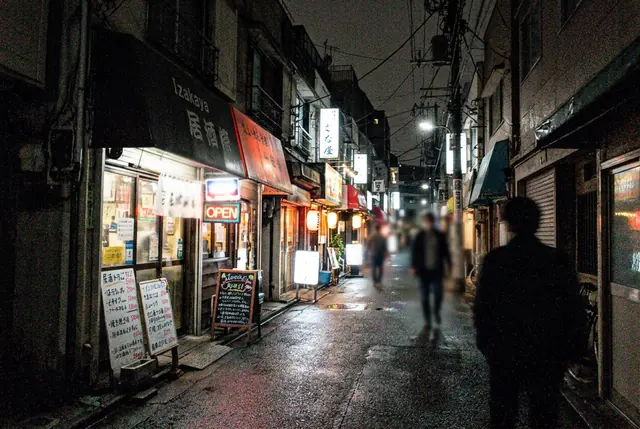
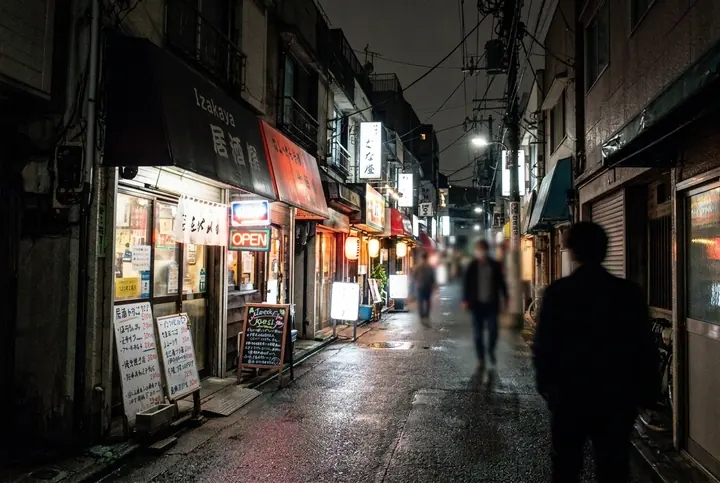
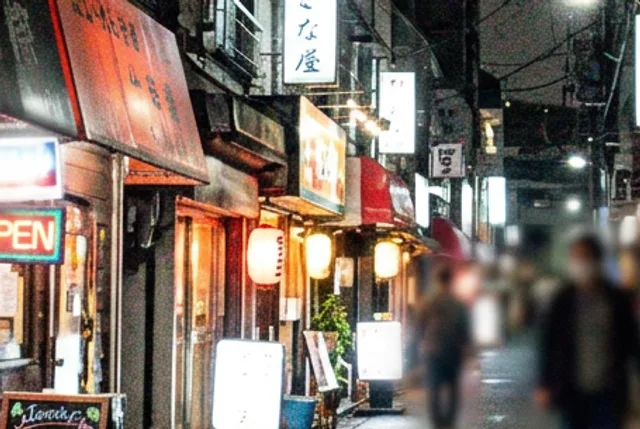
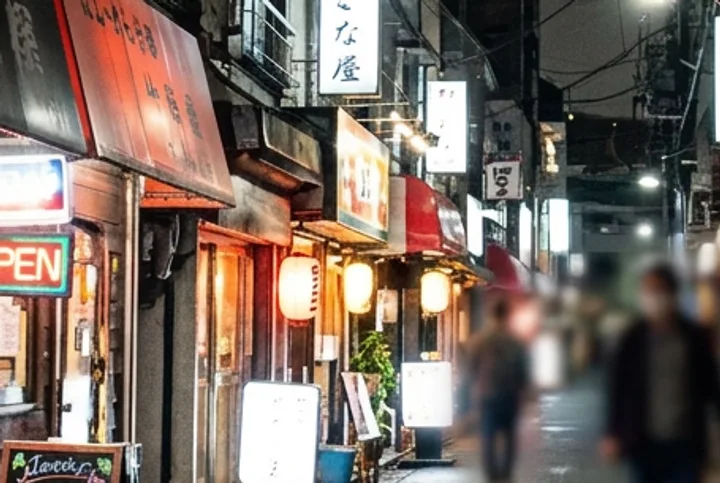
Remove the grain and color noise from this night photo but keep it a night photo: smooth, clean shadows, crisp lights and signs, natural colors. Don't add or remove anything in the scene.
The grain and the colored speckles are gone, and it's still a night photo. The signs, lanterns and people stayed where they were. The menu boards were scribbles in our photo and they're still scribbles: it cleaned them without making up words.
A product photo, made shop-ready
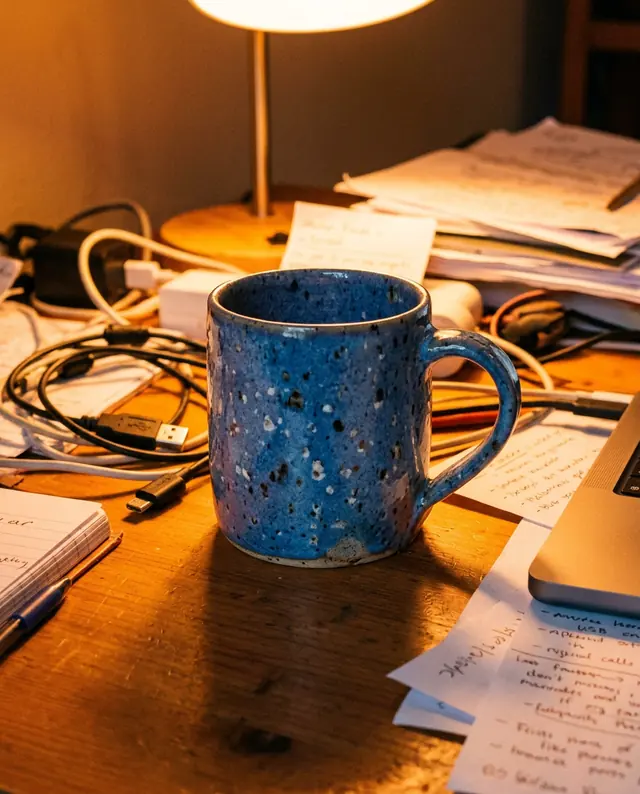
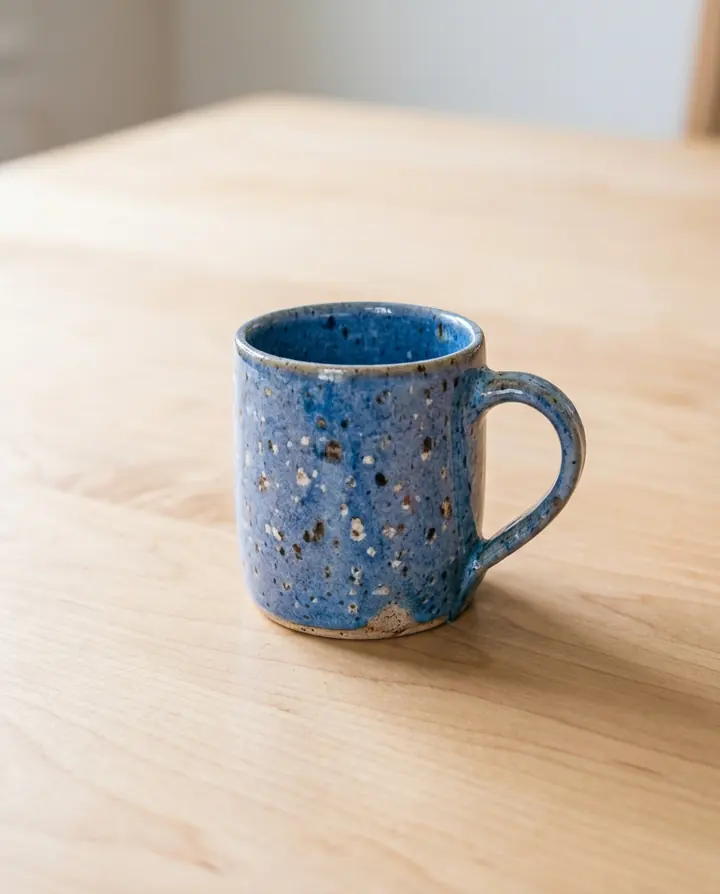
Make this product photo shop-ready: even daylight, true white balance and sharper detail on the mug and its glaze. Keep the mug's shape, color and speckles exactly the same, and tidy the background into a plain light wooden surface.
Daylight instead of the yellow lamp, and the cables and papers gone, as asked. The mug kept its shape, its blue glaze and its speckles, but it sits a little smaller in the frame than in our photo.
A small photo, upscaled to 4K
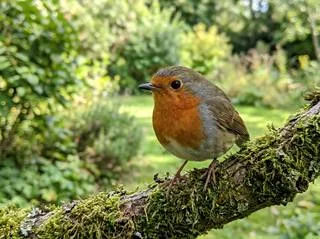
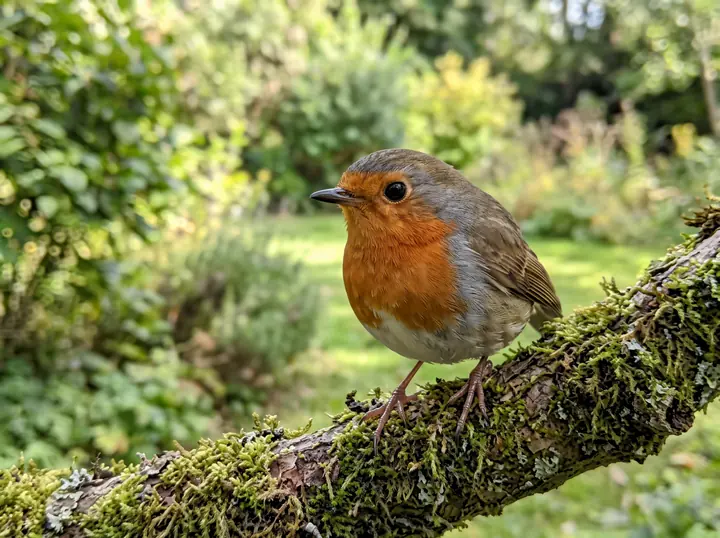
Upscale this small photo into a sharp, high-resolution image with real feather detail and a clean, soft background. Keep the bird, its pose, the branch and the colors the same, and add nothing new.
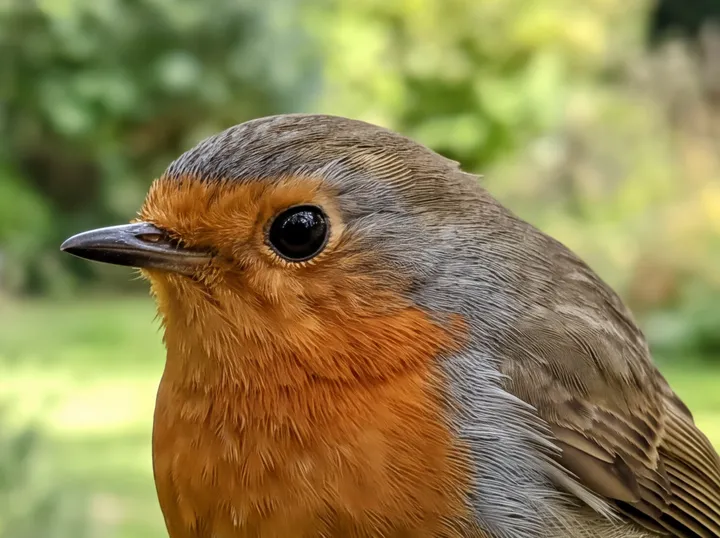
From 320 pixels across to 4800 x 3584 in 41 seconds. Same bird, same pose, same branch. The fine feathers in the close-up below are detail the model drew, not detail it found.
A color cast, corrected
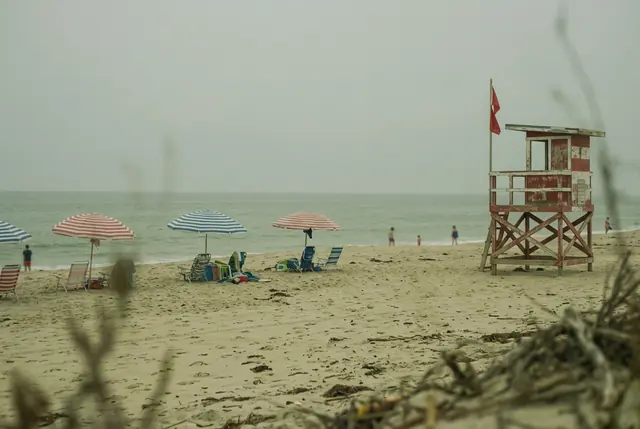
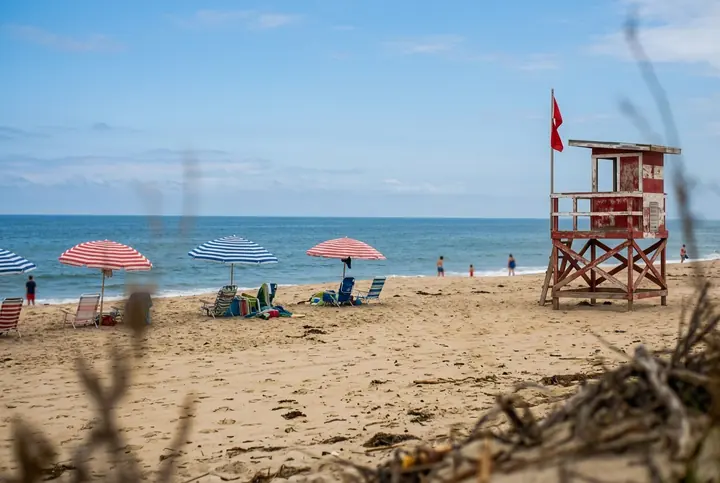
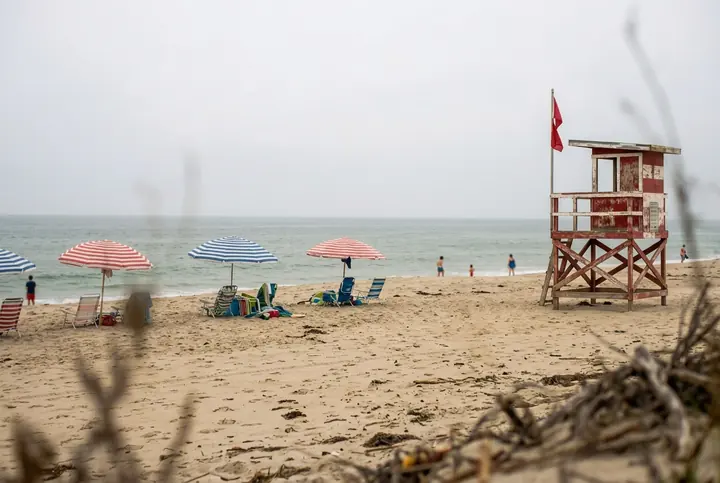
Correct the colors in this washed-out photo: remove the green-yellow tint, bring back a clear blue sky, clean whites and real contrast. Keep the beach, the umbrellas, the tower and the framing exactly the same.
The tint is gone, and the umbrellas, the tower and the people stayed where they were. The blue sky and its clouds are new: we asked for a clear blue sky, and under that haze there was none to bring back.
Up close: the noise and the detail
At card size the night street and the robin barely change. Here is the same spot cut from the photo we gave it and from the result.
The night street
The robin
A general sentence or the exact problem?
The tool starts with a general sentence that doesn't name the problem. We ran it on three of these photos. It cleaned up the night street about as well as the named fix and took the tint off the beach, but it brightened the dark photo only a little and left the gray sky gray. For a big change, name it.
Enhance this photo: correct the exposure and the colors, clean up any noise and blur, and bring out natural detail, so it looks like it was taken with a good camera in good light. Keep everything else exactly as it is: the same people and faces, objects, background and framing, with nothing added or removed.
The dark photo
The washed-out beach
How to enhance photo quality with one sentence
- Upload the photo. The original file if you have it: a screenshot, or a photo saved from a chat app, has already lost detail.
- Say what's wrong, then what to keep. Our five prompts follow one pattern: the problem, what good looks like, and what must stay the same. Start from the line that matches:
- Too dark: "Brighten this dark photo and bring back the detail in the shadows."
- Grainy at night: "Remove the grain and color noise from this night photo but keep it a night photo."
- Yellow, green or blue tint: "Correct the colors: remove the yellow tint, clean whites and real contrast."
- A product for a shop: "Even daylight, true white balance and sharper detail on the product."
- Too small: "Upscale this small photo into a sharp, high-resolution image. (And pick 4K.)"
- Pick the size in the tool. 1K and 2K both take 1 credit, so take 2K for a photo you'll keep. 4K takes 3 credits; it's the one to print or crop into.
What a photo enhancer can't bring back
An AI enhancer doesn't recover lost pixels. It redraws the photo and fills the gaps with its best guess, and our examples show where: the clutter on the dark kitchen counter, the clouds over the beach, the robin's fine feathers. For a post or a shop listing that's fine. For a photo that has to show what was really there, keep the original next to it.
Product photos for your shop
For a listing, the mug prompt is the pattern: daylight instead of the lamp, true white balance, a plain background, and the product's shape and color kept. For studio and lifestyle scenes built around a product, see our product photography prompts.
Old photos and blurry photos
Old, scratched or faded photos
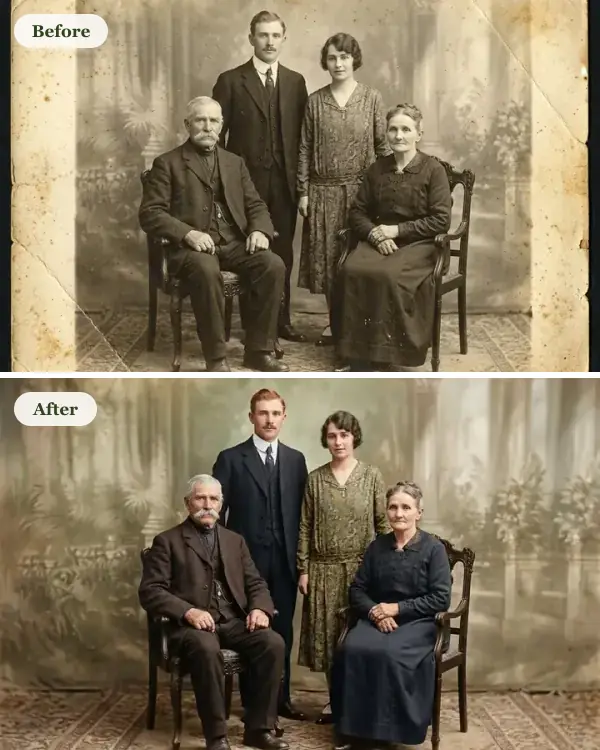
Scratches, tears, faded color and black and white are a different job with a different prompt. See how to restore old photos, and where the model paints in what the print lost.
Blurry photos
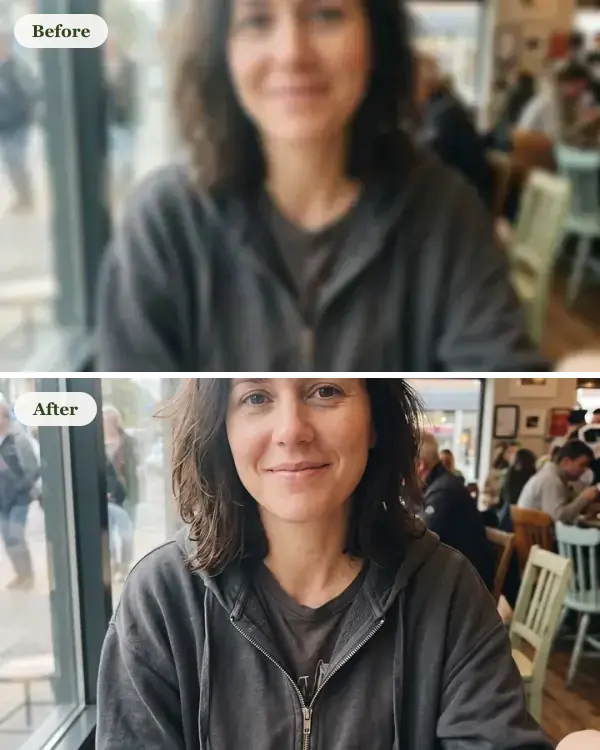
Out of focus or shaken is its own problem too. We tested that on a blurry selfie and a blocky screenshot, and checked each against the sharp original: how to fix a blurry photo.
What it costs
There's no free image: every enhanced photo is paid with credits. A fix takes 1 credit at 1K or 2K and 3 credits at 4K, and packs cost $4.90 for 20 credits or $9.90 for 70, plus local tax where it applies, with no subscription. Our fixes took 20 to 26 seconds at 1K and 41 seconds at 4K.
AI photo enhancer FAQ
Which is the best AI photo enhancer?
We haven't compared enhancers side by side, so we won't name a best one. Here you steer the fix with a sentence, so you can brighten a photo without touching its colors, or fix the colors and nothing else. The five examples on this page are first results, guesses included.
Is there any free AI photo enhancer?
Not here: on GetStepSnap every enhanced photo is paid with credits. A fix takes 1 credit at 1K or 2K and 3 credits at 4K, and packs cost $4.90 for 20 credits or $9.90 for 70, plus local tax where it applies. No subscription.
Can AI enhance my pictures?
Yes. Light, noise, color and size are what it handles best: our dark photo, grainy night street, yellow product shot and 320-pixel robin all came back usable on the first try. It redraws the photo rather than repairing pixels, so where your photo holds nothing, like pitch-black shadows or a hazy sky, it fills in a guess.
Is there a free AI photo enhancer app?
We don't make an app, and enhancing here isn't free. It runs in the browser on a phone or a computer: open this page, upload the photo and save the result. Nothing to install.
Can it upscale a photo to 4K?
Yes: pick 4K in the size setting. Our 320 x 239 pixel robin came back 4800 x 3584 in 41 seconds. 4K takes 3 credits.
Will it change faces?
None of the five photos here is a portrait. On our blurry selfie test the face came back close but not identical: the eyebrows and the shape of the eyes were a little different. Ask it to keep the face exactly the same, and compare the result with your original.
Does it add a watermark?
No visible watermark. Like every image from Google's image models, the result carries an invisible SynthID mark that says it was made with AI.
What happens to the photos I upload?
We store them so the model can read them and your results stay in your account, and use them for nothing else. To have them deleted, email support@getstepsnap.com.